QuickMove
In the Program interface, select the asterisk (*) to enable the QuickMove function, and press the C key to enter the QuickMove function.
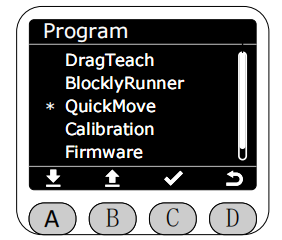
After entering the QuickMove function, you can choose between free movement or joint tapping.

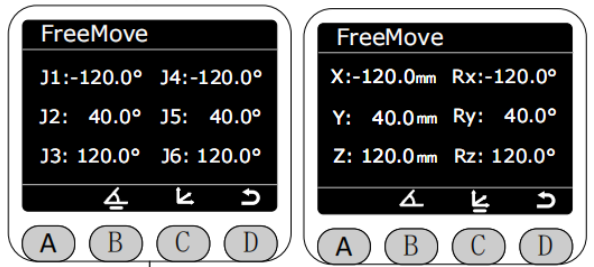
In FreeMove mode, the default real-time display shows the angle data of the robotic arm. Long-press the buttons on the end effector to freely move the arm. Note: This will release all motor brakes, please be safe. Press the C key to display the current coordinate data of the arm.
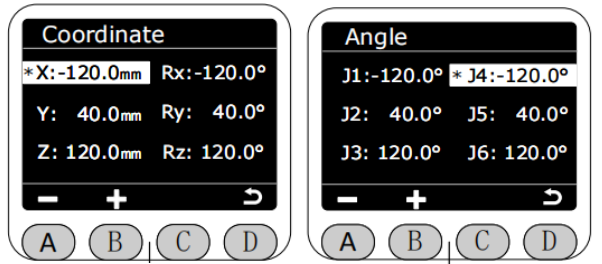
In JogMove mode, the robot arm's angle data is displayed in real time, and you can choose between jog angle or jog coordinate mode.
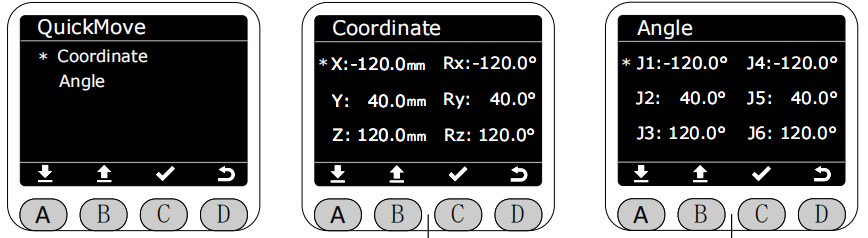
Select the joint you want to jog to control the movement of the robotic arm joints; the selected joint will be highlighted. For single-point jogging, the step angle is 0.1°. When you hold down the jog button, the joint will rotate at a speed of 10, automatically stopping when it reaches near its limit.