Basic Control Based on ROS2
Basic controls include keyboard control and joystick control. Here's an example video of how to use them:
- 1 Start the car's underlying communication.
Open the terminal console (shortcut Ctrl Alt T) and type the following command in the command line:
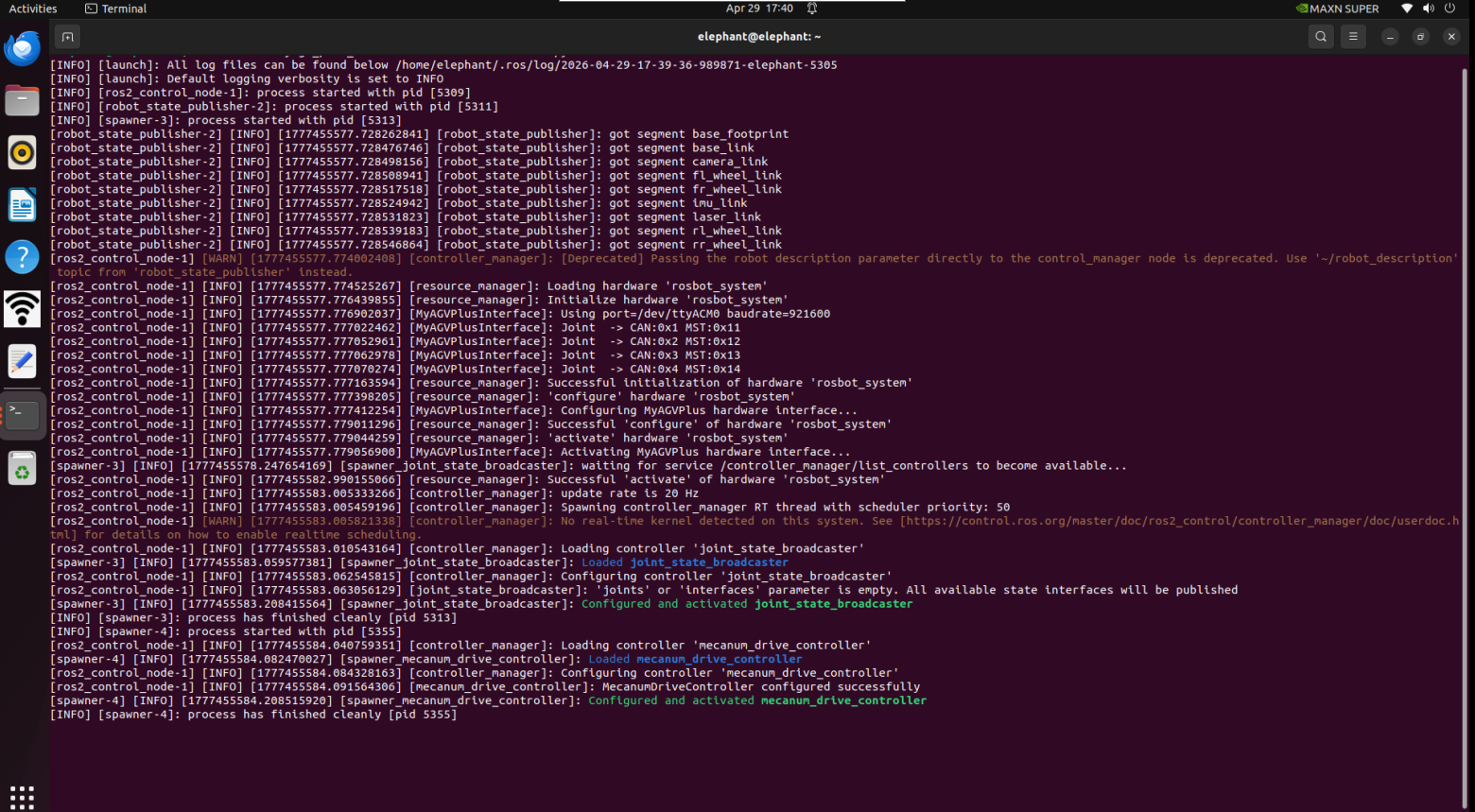
ros2 launch myagv_plus_bringup myagv_plus_bringup.launch.py
The terminal will show the following status:
- 2 Start Keyboard Communication
Open a new terminal console and enter the following command in the terminal command line:
ros2 run teleop_twist_keyboard teleop_twist_keyboard
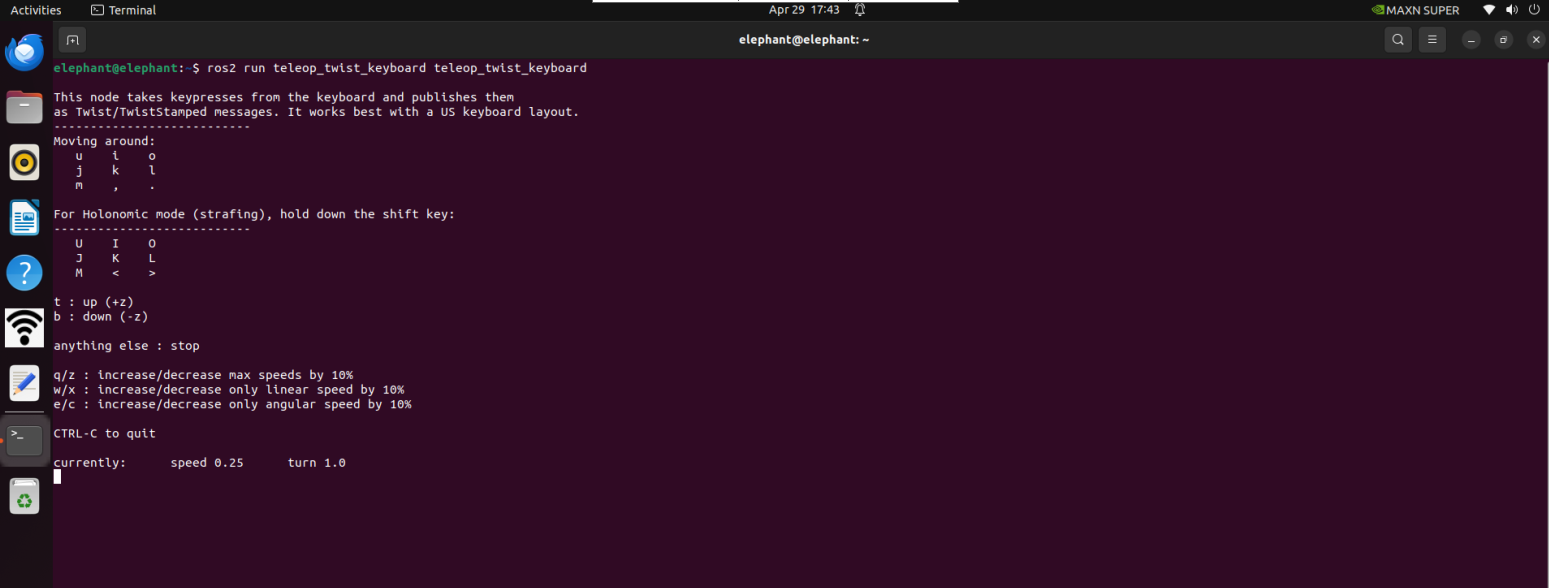
| Key | Direction |
|---|---|
| i | Forward |
| , | Backward |
| j | Move Left |
| l | Move Right |
| u | Move to the left-front |
| o | Move to the right-front |
| k | Stop |
| m | Move to the left-rear |
| . | Move to the right-rear |
| Shift + j | Move to the left |
| Shift + l | Move to the right |
| Shift + u | Move forward to the left |
| Shift + o | Move forward to the right |
| Shift + m | Move backward to the left |
| Shift + . | Move backward to the right |
| q | Increase Linear and Angular Velocity |
| z | Decrease Linear and Angular Velocity |
| w | Increase Linear Velocity |
| x | Decrease Linear Velocity |
| e | Increase Angular Velocity |
| c | Decrease Angular Velocity |
Handle control
- 1 Start the underlying communication of the trolley.
Open the terminal console (shortcut Ctrl Alt T) and type the following command in the command line:
ros2 launch myagv_plus_bringup myagv_plus_bringup.launch.py
The terminal will show the following status:
- 2 Start joystick control file
The first step is to plug the Bluetooth controller's USB receiver into the car, open a new console terminal, and enter the following in the command line:
ros2 run myagv_plus_joystick_control joystick_controller
At this time, the handle lights up green and red, and the terminal shows:

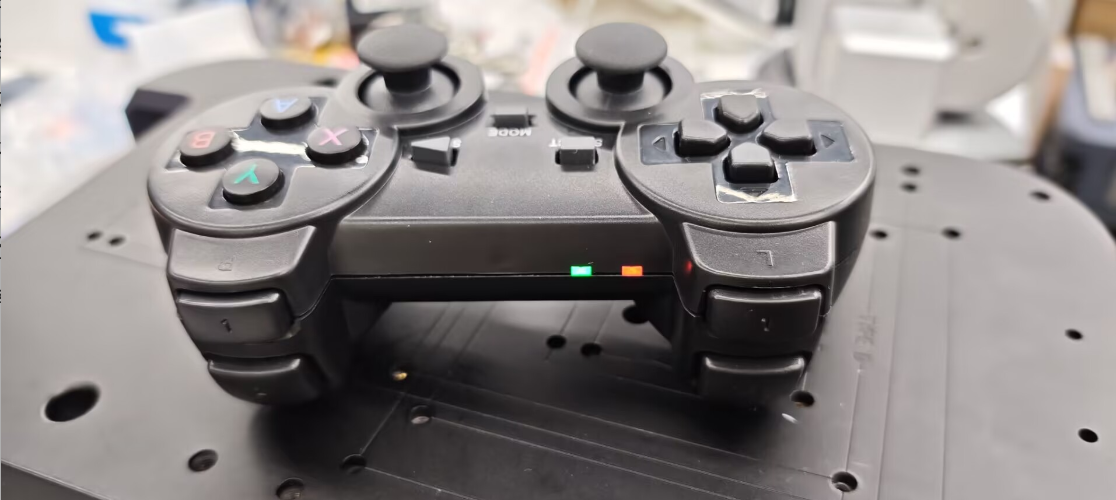
If the controller only shows a red light, you need to press and hold MODE for 3 seconds to switch modes.
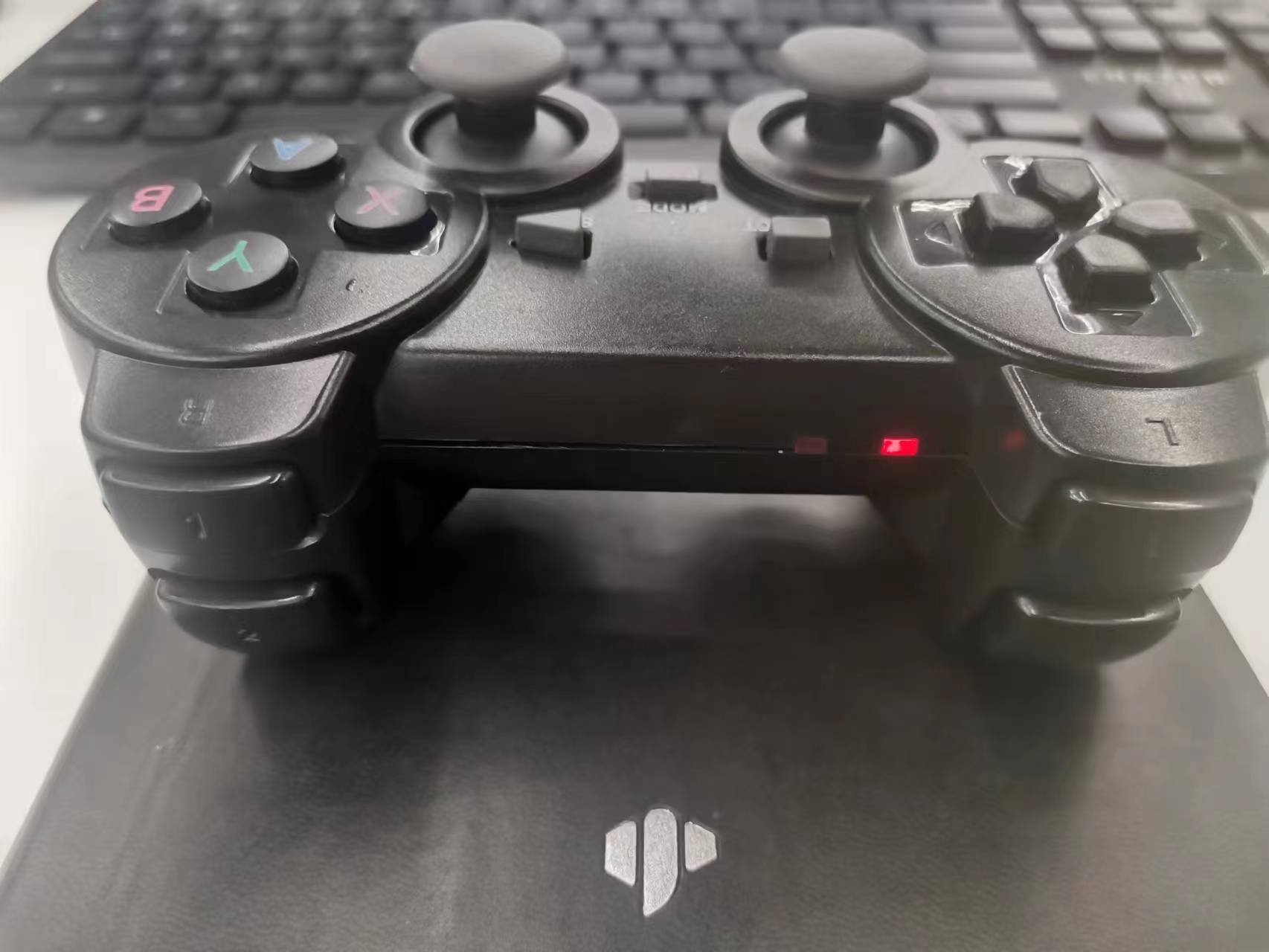
If you've made it this far, you can now successfully use the controller to drive the car.
