文档目录
Introduction
Product Information
1 Product Introduction
2 Product Features
Infrastructure
3 User Notes
3.1 Safety Instructions
3.2 Transport and Storage
3.3 Maintenance and Care
3.4 FAQs
3.4.1 Software Issues
3.4.2 Hardware Issues
3.4.3 Other Issues
4 First-Time Installation and Use
4.1 Product Standard List
4.2 Product Unboxing Guide
4.3 Power-On Check Guide
Features and Applications
5 Basic Features
5.1 Introduction to myblockly
5.1.1 First Use of myBlockly
5.1.2 Controlling the RGB Light Board
5.1.3 Controlling the Movement of the Car
5.1.4 IO Testing
5.2 myStudio
5.2.1 Setup
5.2.2 Installing Drivers
5.2.3 Flashing Firmware
5.2.4 Other Features
5.3 AGV_UI
5.4 System User Guide
5.5 System Image Flashing
6 Software Development Guide
6.1 Using Python for Development
6.1.1 Environment Setup
6.1.2 API Usage Instructions
6.1.3 RGB Control
6.1.4 Controlling Car Movement
6.1.5 Reading IO Status and Peripheral Control
6.2 Developing with ROS2
6.2.1 Installation and Environment Setup
6.2.2 Basic ROS2 Tools
6.2.3 Basic ROS2 Control
6.2.4 Lidar Mapping - Gmapping
6.2.5 Map Navigation
6.2.6 Rtabmap Mapping and Navigation
6.2.7 Auto recharge feature
6.3 Isaac Sim simulation
7 Case Development
7.1 myAGV Plus 270M5 Handle Remote Control Case
7.1.1 Installation Instructions
7.1.2 Communication Control
7.1.3 Control Case
7.2 Pedestrian Following Case
8.1 Product Drawings
8.2 Promotional Materials
Support and Services
9 About Us
10 Accessories
10.1 7-inch IPS HD Touchscreen
10.2 Spare Battery
10.3 Astra Pro 2 Depth Camera
Published with GitBook
在这篇文章中:
8.2 Promotional Materials
Promotional materials
Product brochures
Robot
Brochure
myAGV Plus
download
Product video
Promotional video
Unboxing Video
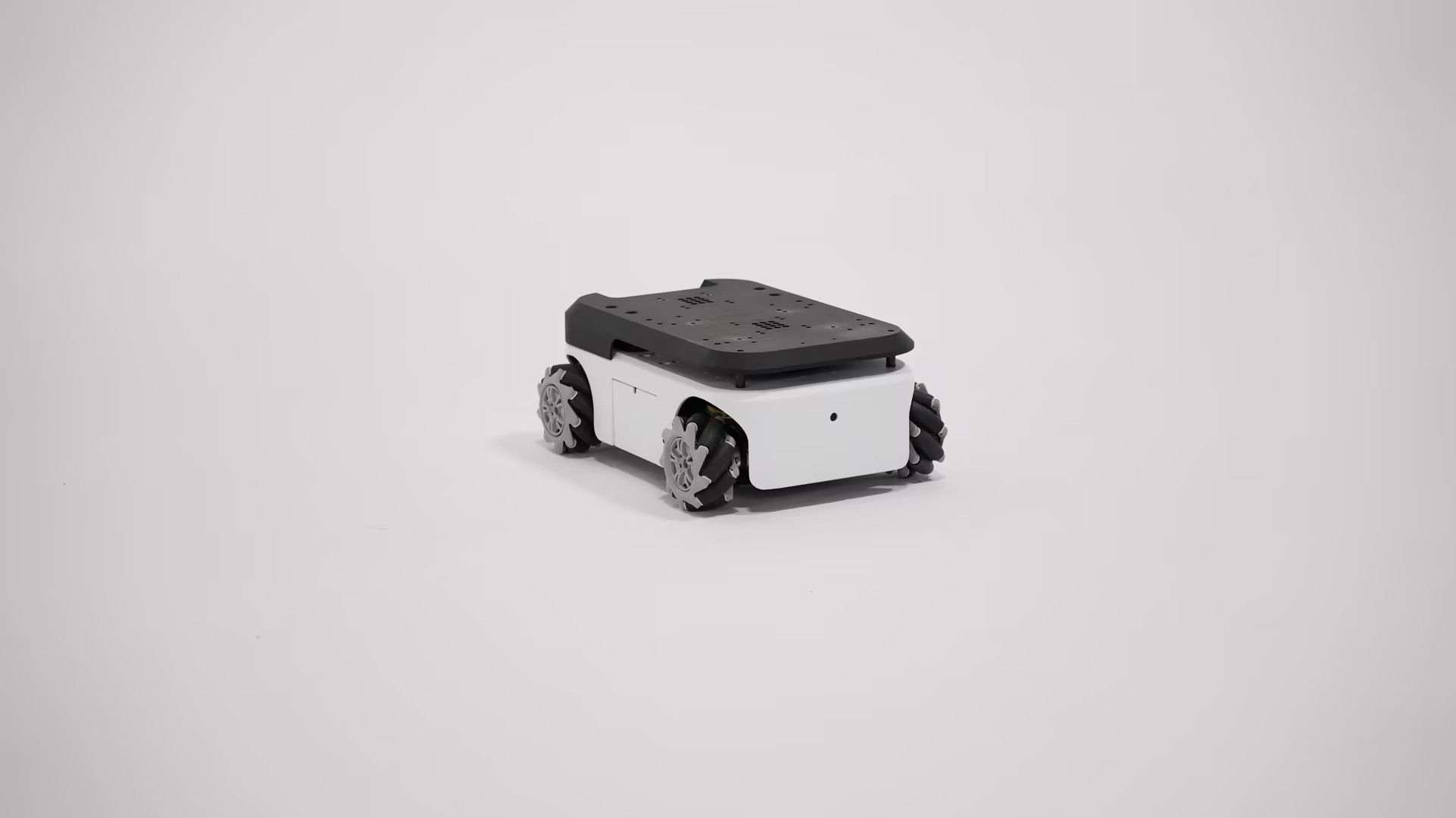
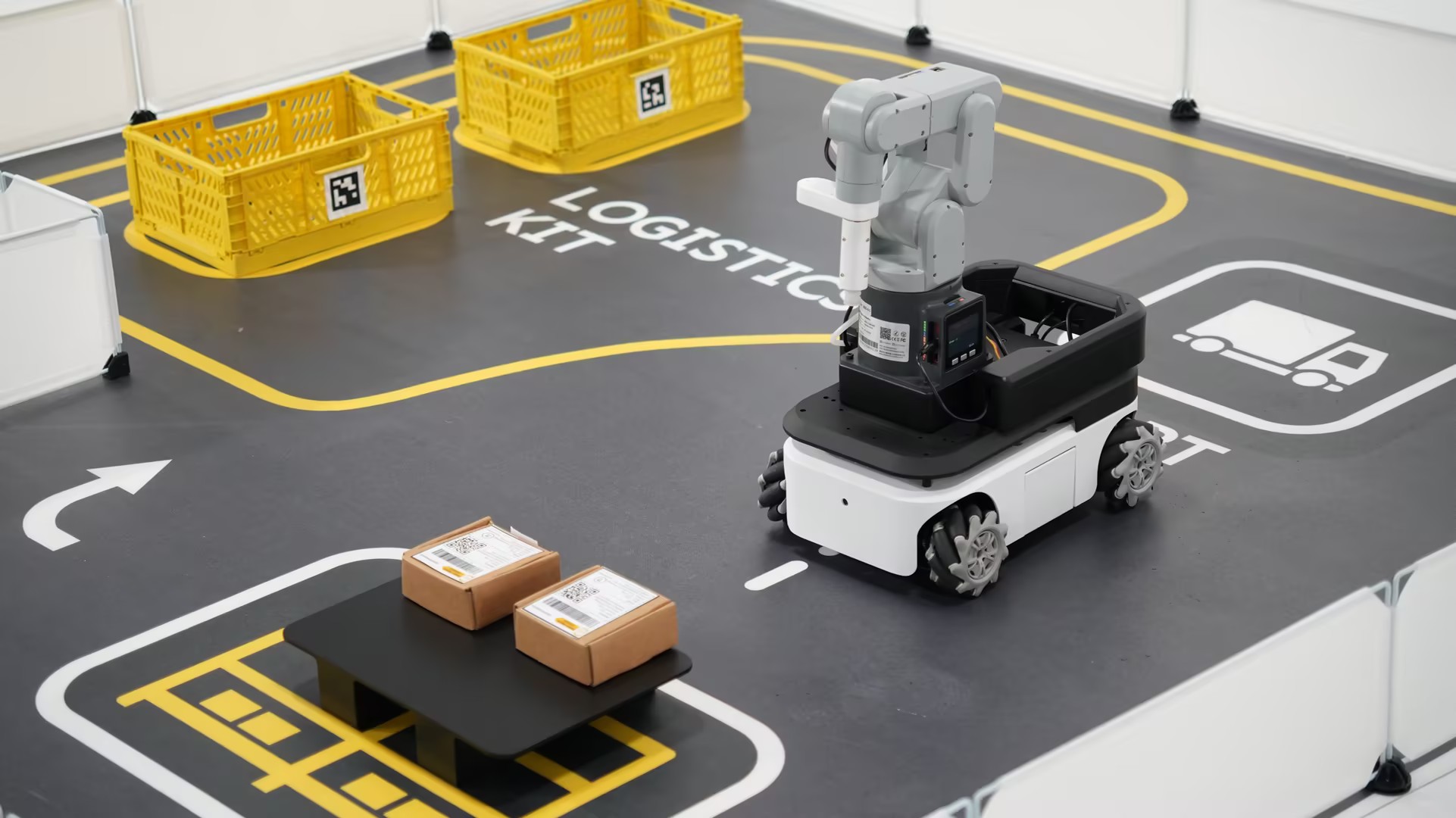
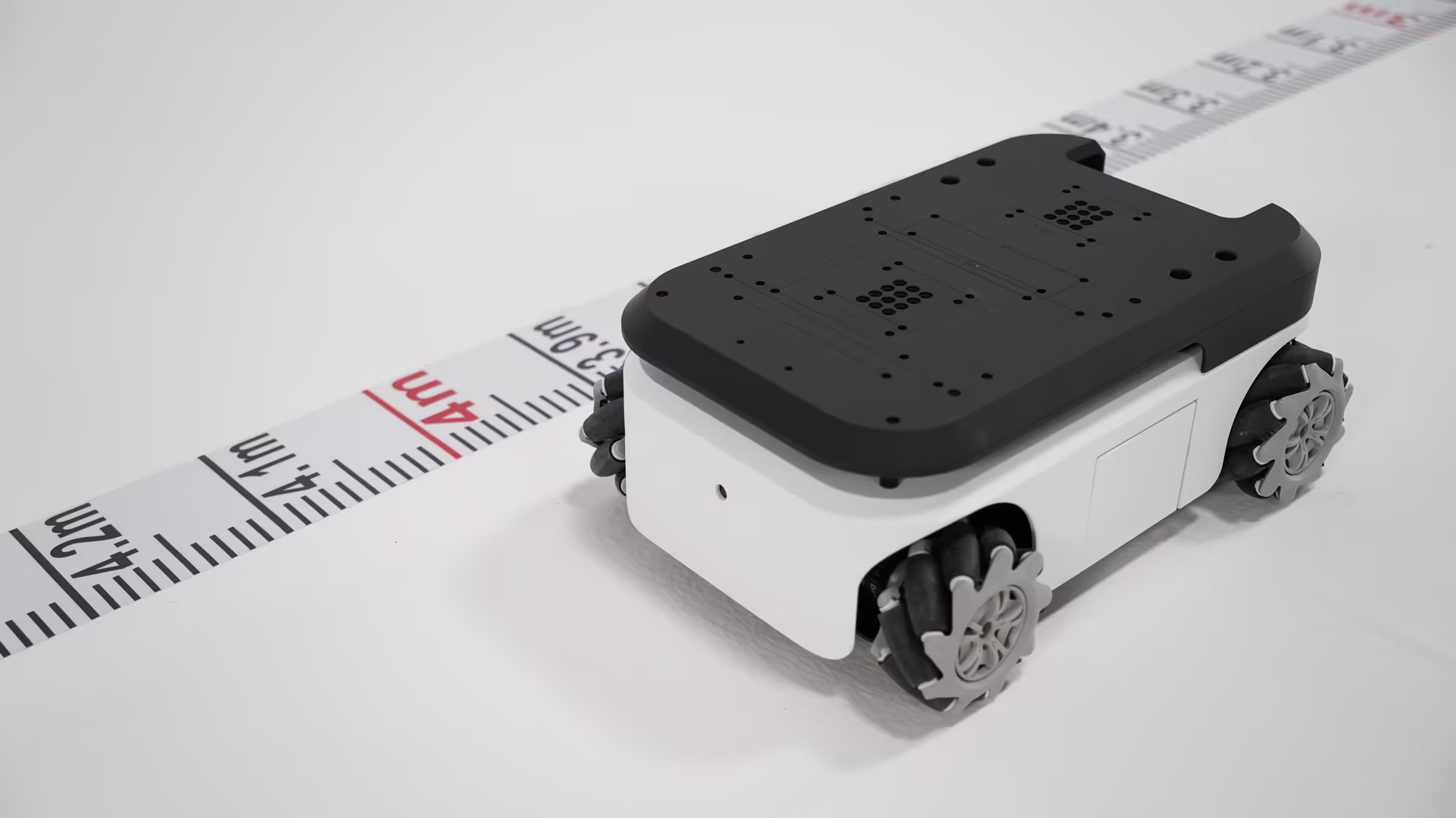
Product Pictures
← Previous Page
|
Next Chapter →
results matching "
"
No results matching "
"