Mirror Downloads
Download system image files
[1] You can check the version information in the terminal by cat /etc/version or cat /etc/version_log.
Image Flashing
JN Version Robot Introduction
1.1 Download Steps
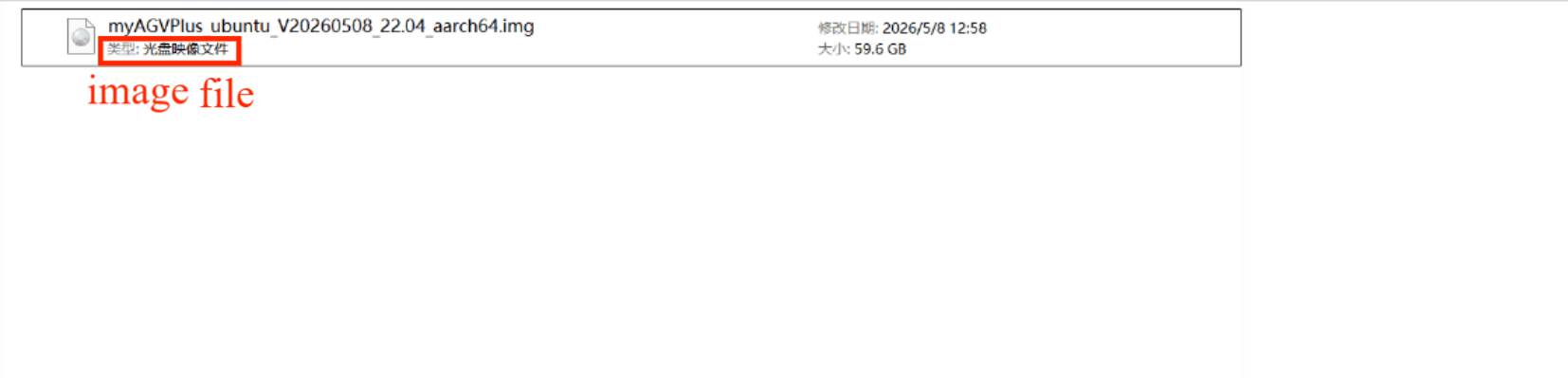
Step 1: After unzipping the package, a disk image file will appear.
Step 2: Download HDD Raw Copy Tool.
Please visit HDD Raw Copy Tool to download.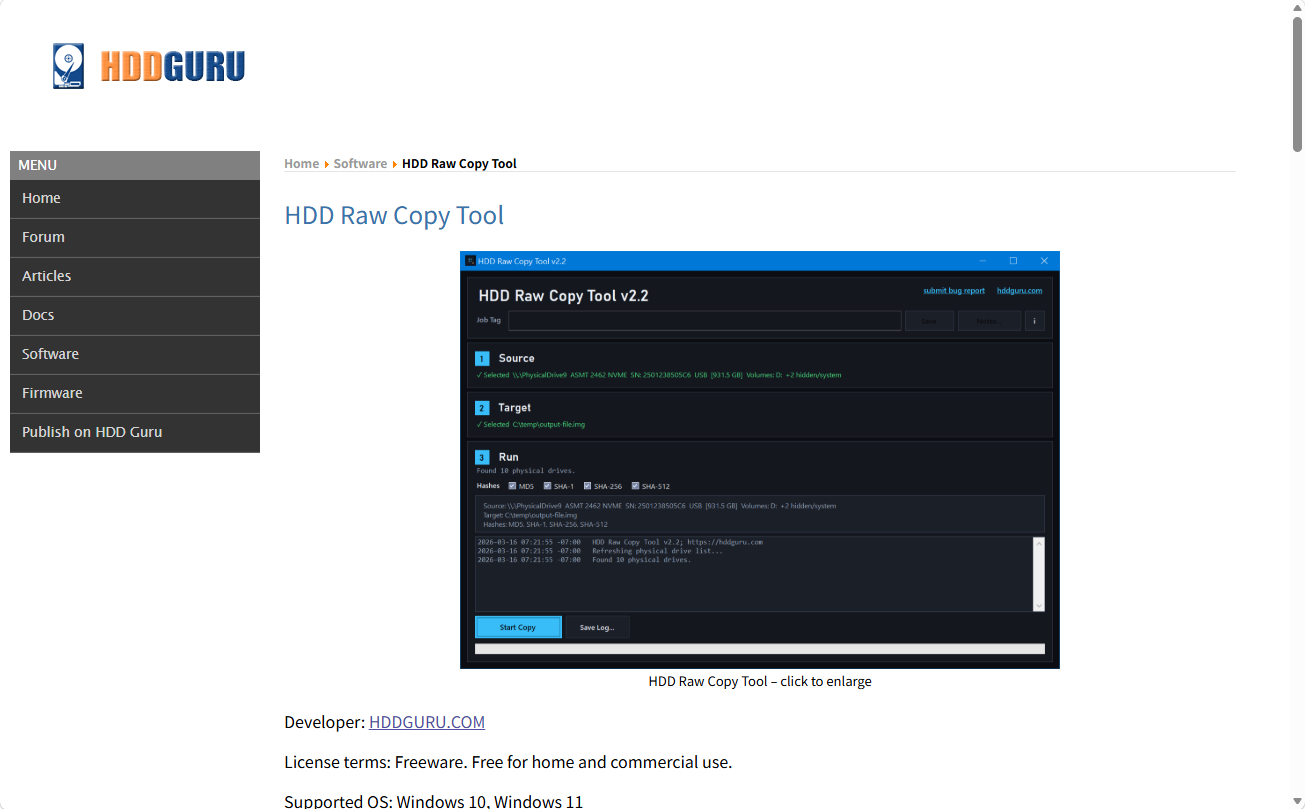
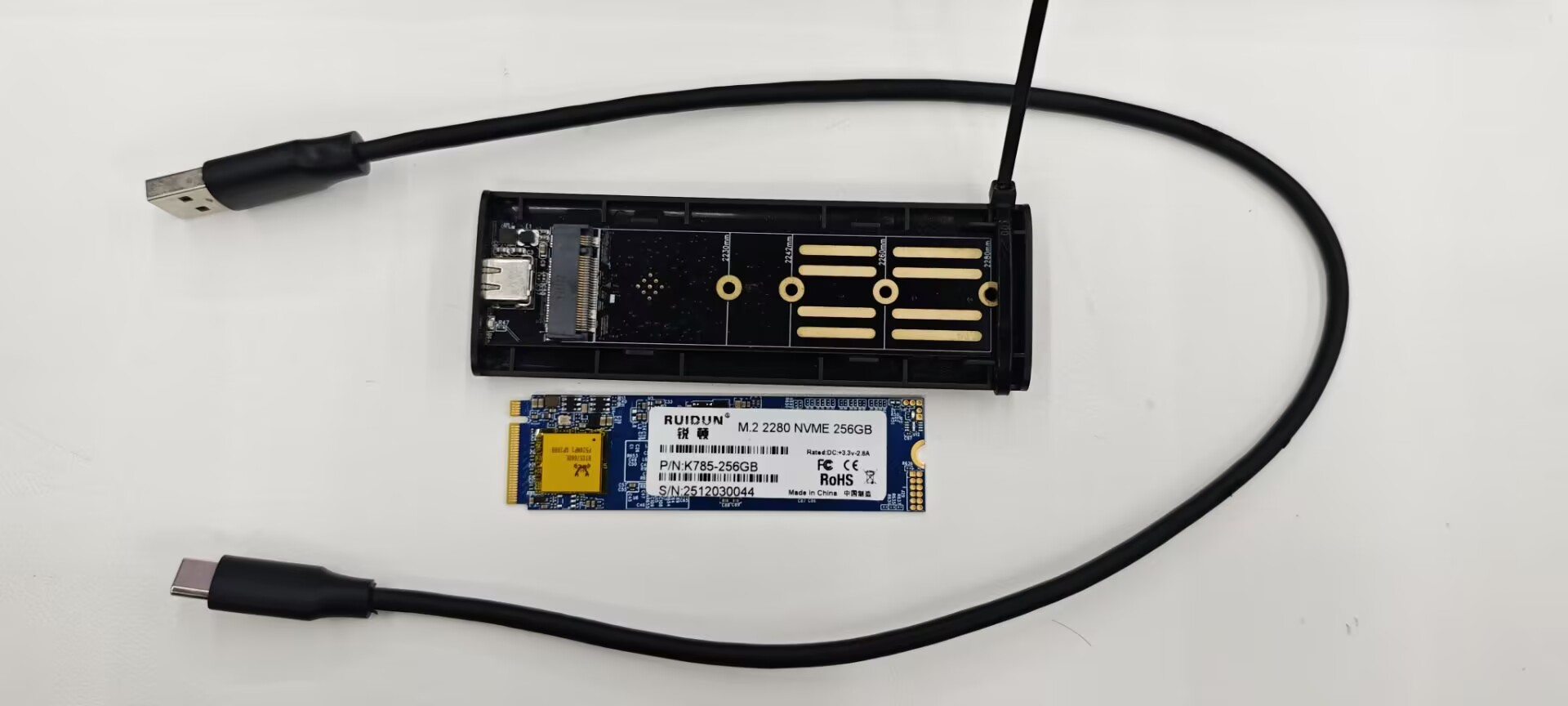
Step 3: Remove the corresponding screws according to the picture, and use tweezers to take out the solid-state drive of myAGV PLUS. Then connect the solid-state drive to the computer.
Shell
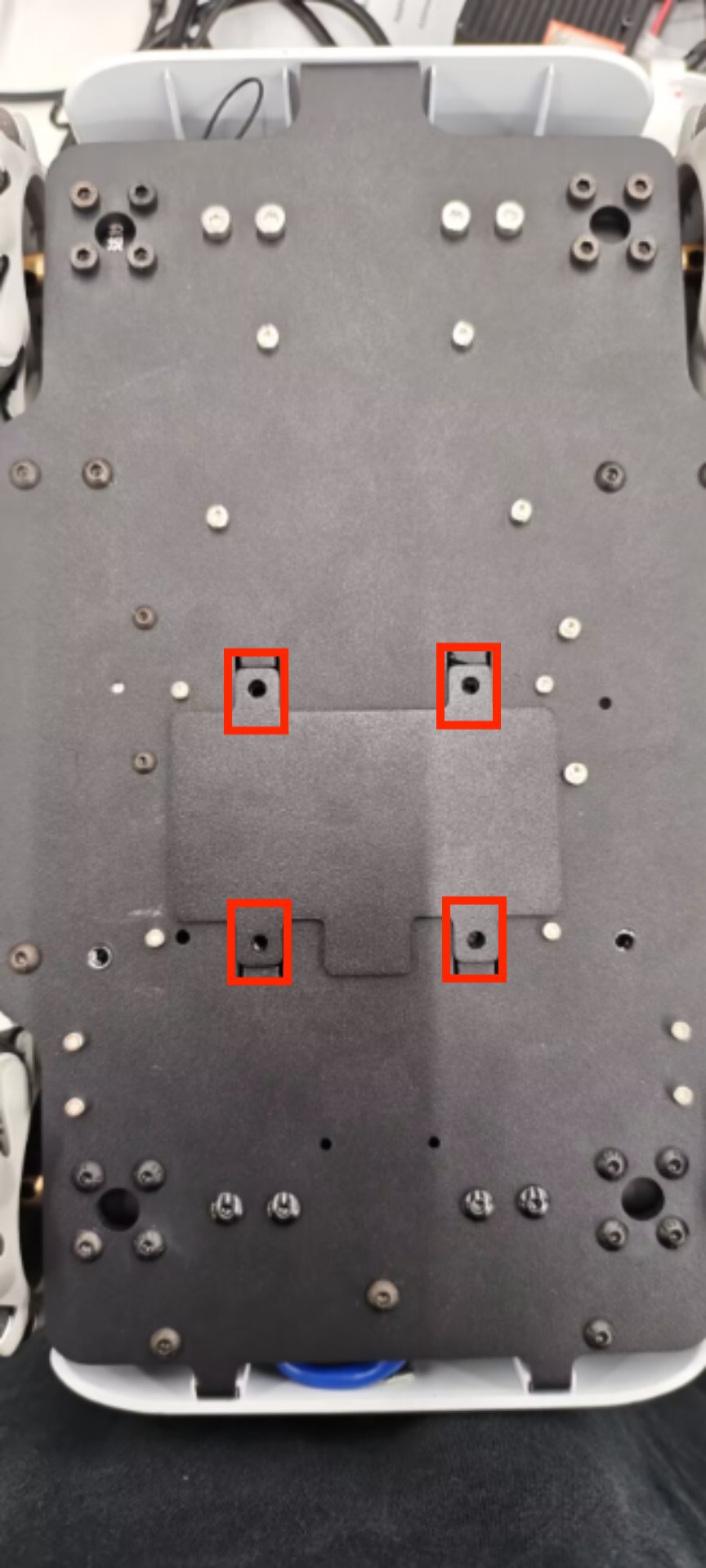
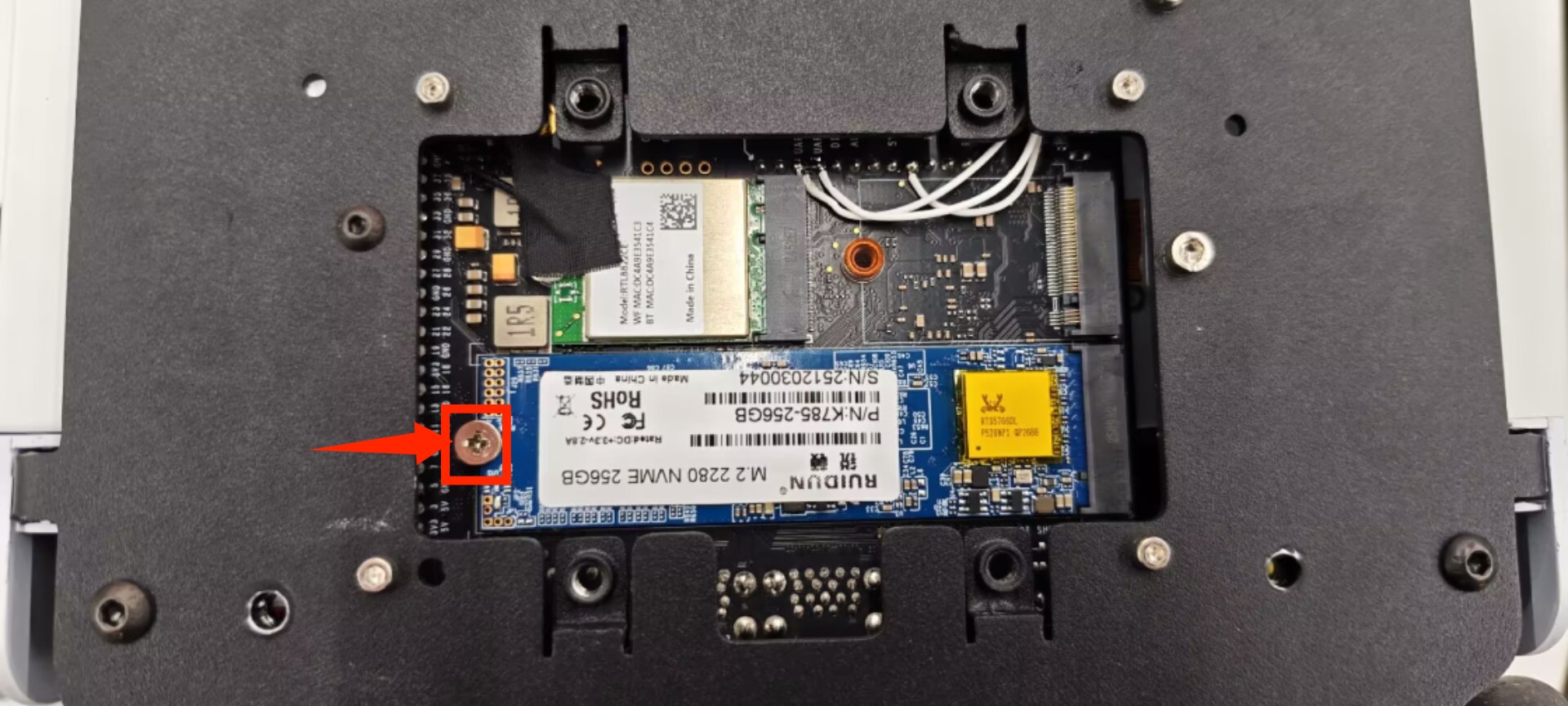
Step 4: Connect the hard drive enclosure to the computer and open HDD Raw Copy Tool.
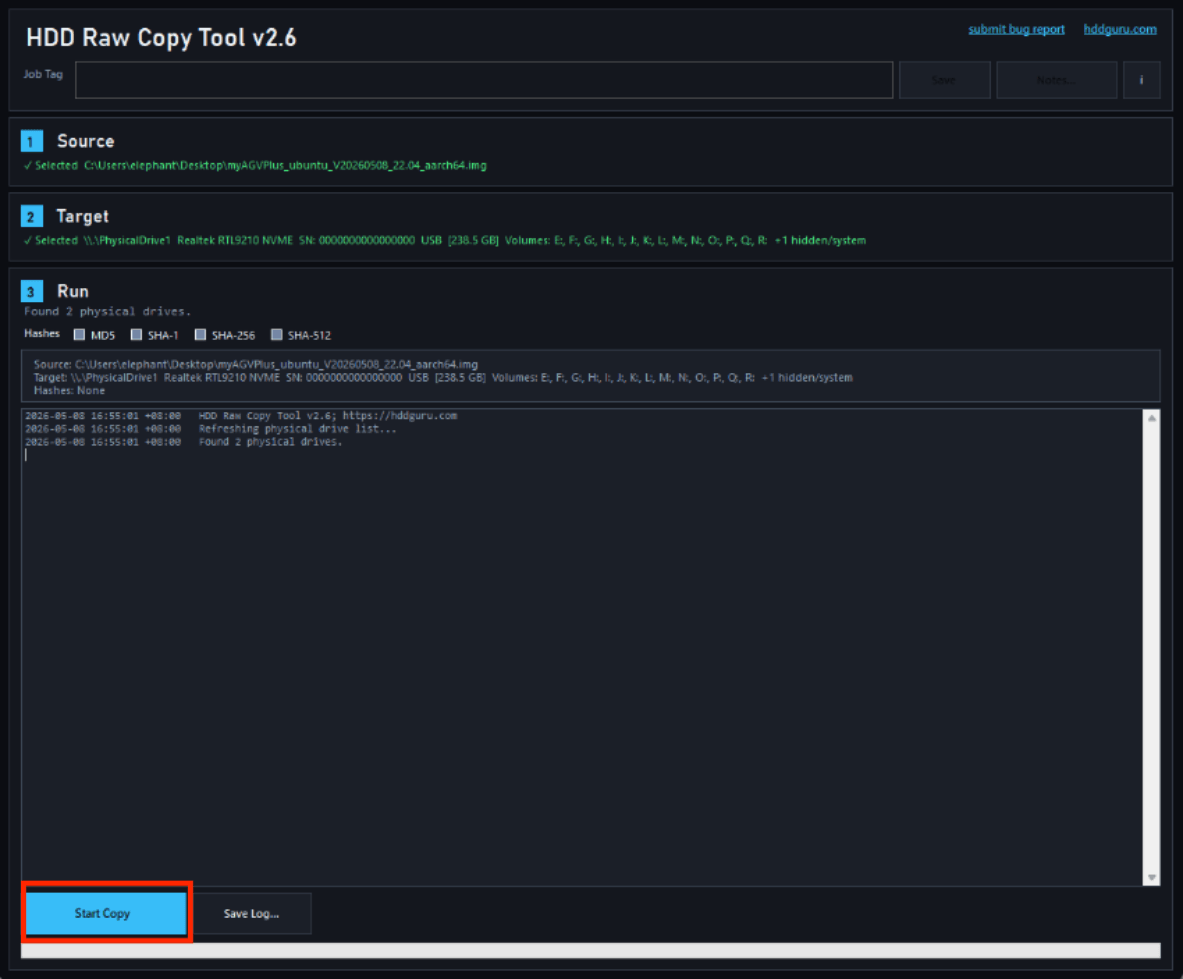
Step 5: Select the software and device (E drive), then write the software to the PC.
Software Downloads
myStudio
myStudio is our own software. It is a tool for flashing or modifying the firmware of existing robots released by our company.
GitHub Download: GitHub - elephantrobotics/myStudio: Comprehensive software for mycobot. Provides firmware burning, documentation, tutorials, etc.
Website: Software Downloads - Elephant Robotics
myBlockly
From a user's perspective, myBlockly is a simple and easy-to-use visual tool for generating code. From a developer's perspective, myBlockly is a text box containing the code entered by the user.
Download Link: Official Website
myAGV_UI
GitHub Download: Github
PyCharm
- Python Official Python download: https://www.python.org/downloads/
- Python Download and Installation Tutorial For reference only
Source Code Downloads
myAGV Plus ROS2 Source Code: GitHub - elephantrobotics/myagv_ros: myAGV ROS Basic Application
pymyCobot: GitHub - elephantrobotics/pymycobot: This is a Python API for serial communication with mycobot.