Connection
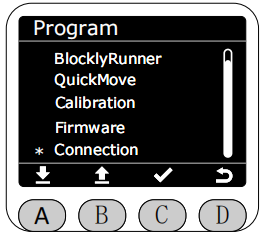
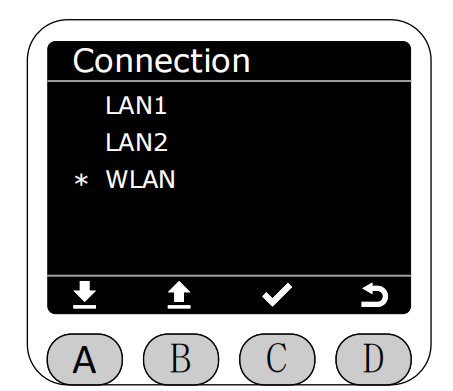
In the Program interface, select the Connection function by clicking the asterisk (*), and press the C key to enter the Connection function.
After entering the Connection function, you can select the corresponding network interface to display the configuration information of the current robotic arm network interface.
LAN1 is a static IP address.

After selection, detailed configuration information of the current network interface will be displayed.
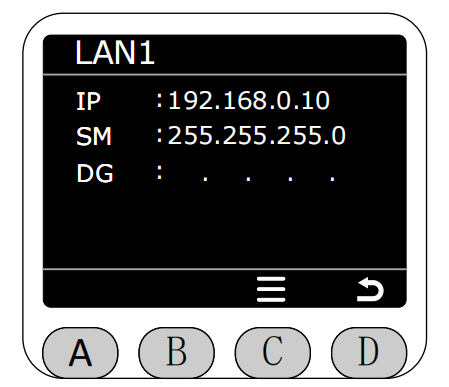
LAN1 is a static IP address.
After selection, detailed configuration information for the current network interface will be displayed.
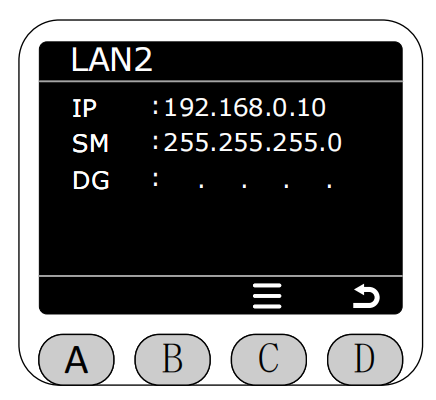
LAN2 is a static IP address.
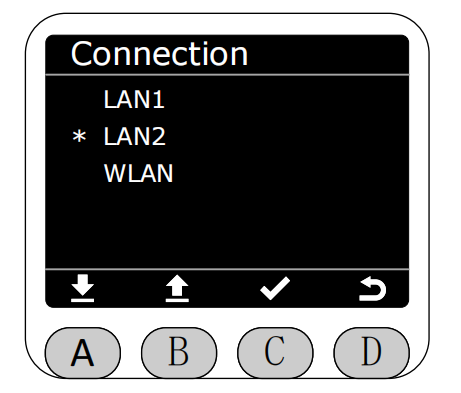
After selection, detailed configuration information for the current network interface will be displayed.
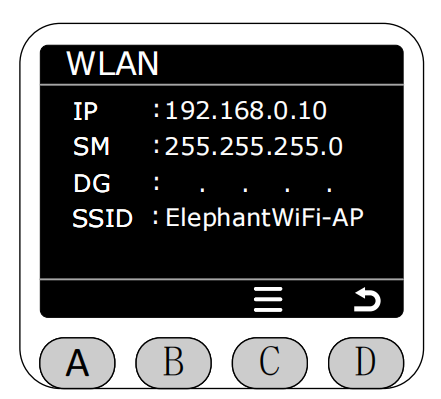
Select the WLAN option.
After selection, detailed configuration information for the current network interface will be displayed.