Product Introduction
1. Product Description
ultraArm P1
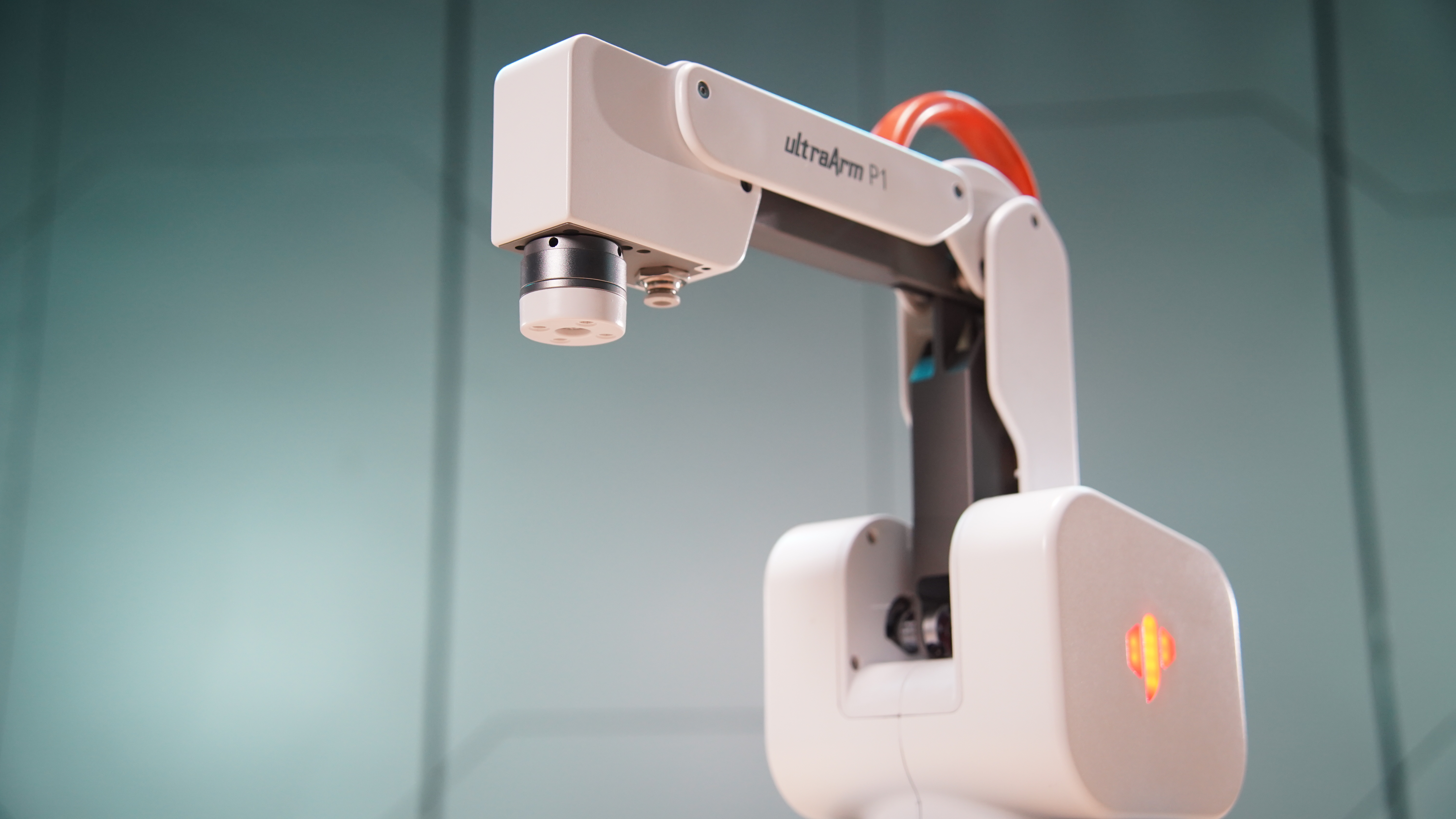
High-Precision 4-Axis Intelligent Palletizing Stepper Motor Robotic Arm
1.1 Product Introduction
ultraArm P1 is an ultra-compact high-precision 4-axis intelligent palletizing stepper motor robotic arm designed for education, scientific research, and commercial technology display scenarios. It features rich and diverse core functions with precise operational capabilities, a working radius of up to 360 mm, a payload capacity of 650 g, and repeatability accuracy of +/- 0.1 mm (ISO 9283 standard), making it excellent at completing various light-load, high-precision tasks.
In terms of control, it relies on a built-in STM32 + ESP32 dual-core control system, supporting WiFi and Bluetooth wireless connectivity, and can conveniently connect to computers, tablets, mobile phones, and other terminal devices. It comes with a 2.4-inch LCD display with a built-in MiniRobot operating system, allowing independent operation without a computer for drag teaching, trajectory replay, quick movement, zero calibration, and other operations. The accompanying myStudio Pro host software integrates myBlockly graphical programming and scene applications (writing & drawing, laser engraving, etc.), enabling zero-basics users to get started easily. Its core value lies in providing users across different fields with a high-performance, easy-to-use, and highly expandable desktop robotic arm solution, helping to improve work efficiency and innovation capabilities.
1.2 Design Concept
Designing the ultraArm P1 was driven by the growing demand for diverse applications. In education, it aims to help students more intuitively engage with and learn robotics, cultivating practical skills and innovative thinking. In scientific research, it provides researchers with a stable and precise experimental tool to accelerate research progress. In commercial displays, it creates engaging interactive experience devices to enhance presentation effects.
1.3 Design Goals
| Design Goal | Description | Application Scenarios |
|---|---|---|
| Meet diverse high-precision operation needs | 360mm working radius covers standard tabletop, 650g payload supports multiple end effectors, +/- 0.1mm repeatability positioning accuracy. | - Education and research: Four-axis desktop design suitable for kinematics teaching and path planning verification; +/- 0.1mm repeatability provides reliable hardware foundation for algorithm research; - Commercial display: Can perform precision operations such as writing & drawing and laser engraving, enhancing display effects and interactive experience |
| Lower usage barriers and technical thresholds | Multi-terminal connectivity (WiFi/Bluetooth/USB), built-in MiniRobot local system + myStudio Pro PC software, ready to use out of the box. | - Education: Students can wirelessly connect and operate the robotic arm via terminal devices, learning robotics knowledge through the built-in system; - Commercial: No complex technical training required; MiniRobot screen operation enables quick start. |
| Promote innovative applications and expansion | Provides Python/C++/ROS1/ROS2 multi-language SDK, supports MODBUS/TCP/IP industrial protocols, rich electrical interfaces. | - Research: Researchers can use the open SDK for algorithm verification, visual grasping, and other cutting-edge research; - Commercial: Leverage laser engraving, writing & drawing application solutions to create novel interactive display experiences. |
1.4 Product Features
| Feature | Description |
|---|---|
| Precise and efficient, desktop choice | Working radius: 360mm, load: 650g, accuracy: +/- 0.1mm (ISO 9283), weight: < 4.5kg, optimized for light-load, high-precision tasks. The ideal partner for desktop automation and precision operations. |
| Built-in MiniRobot local system | Comes with 2.4-inch LCD + 4 physical buttons, built-in MiniRobot operating system. Independently performs drag teaching, trajectory replay, quick movement, zero calibration, wireless connection management without a computer. |
| Integrated design, clean and efficient | One-piece die-cast body with built-in power lines and pipes, clean and streamlined appearance. Multiple electrical interfaces integrated into the base, eliminating external control boxes and complex cables. |
| Self-developed collision detection | Real-time monitoring of robot status during motion, millisecond-level collision response, auto-stop upon collision detection, ensuring safe human-robot collaboration. |
| Absolute encoder | Uses 4096-resolution absolute encoder, retains absolute position after power loss, no repeated calibration needed after restart. |
| Zero-barrier control | myStudio Pro cross-platform control center -- integrates myBlockly graphical programming + scene applications (writing & drawing, laser engraving). Full-stack programming support from Python/ROS/C++, covering visual entry to advanced language development. |
| Rich accessory integration | Compatible with multiple end effectors: quick-change pen holder, flexible gripper, suction pump, laser engraving head. Capable of laser engraving, writing & drawing, palletizing, visual grasping, and other tasks. |
| Full-platform development support | Supports Windows, Linux, Mac OS, iPad OS, HarmonyOS, Android -- all platforms. Provides Python/C++/ROS1/ROS2 SDK, supports MODBUS/TCP/IP standardized communication protocol. |
2. Product Application
2.1 User Groups
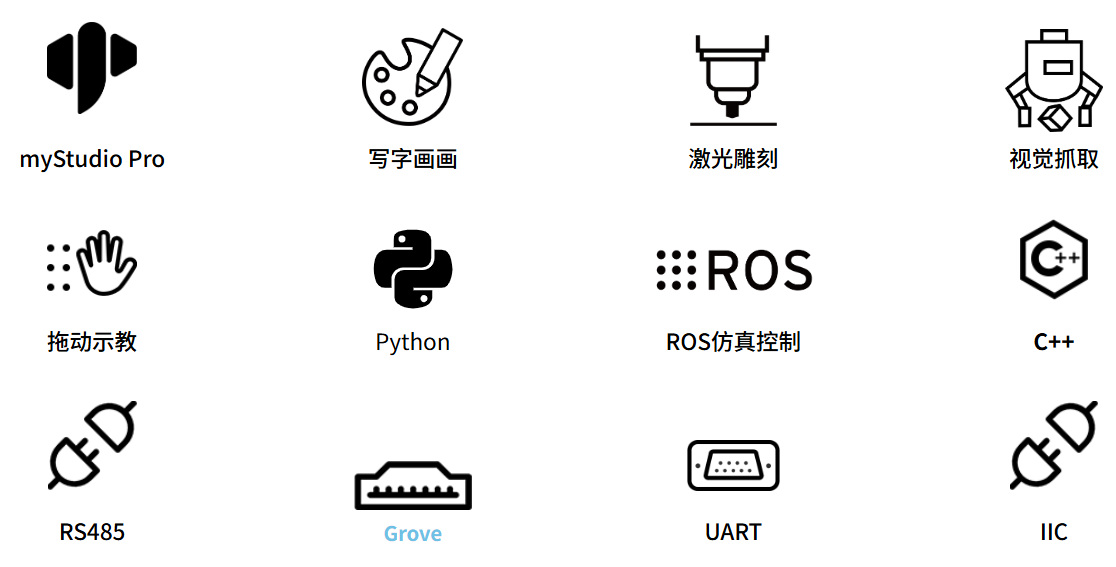
| Educators and Students | For robotics, automation, mechatronics, and related programs in vocational schools and universities, provides progressive teaching pathway from four-axis kinematics to industrial scenarios. Supports single-arm basic teaching -> visual grasping -> conveyor belt linkage -> dual-arm collaborative palletizing, step-by-step training. Complete with teaching materials and experiment guides, covering classroom instruction, practical assessment, and skills competitions. |
| Makers and Developers | Provides desktop-level open source hardware platform for makerspaces and individual developers. Open Python/C++/ROS1/ROS2 SDK and I2C, PWM, RS485 electrical interfaces, supporting full-stack development from rapid prototyping to visual algorithms, multi-robot collaboration, and embodied intelligence projects. |
| Commercial Display and Light-Duty Users | For commercial showrooms, training institutions, and light industry scenarios. Built-in writing & drawing and laser engraving applications, ready to use. With Modbus protocol and IO interfaces, can build smart vending, dynamic sorting, laser customization, and other desktop automation solutions, combining display value with practical utility. |
2.2 Application Scenarios
| User Group | Core Application Scenarios (Out-of-box) | Extended Application Scenarios (Advanced kit) |
|---|---|---|
| Educators and Students | - Four-axis kinematics introduction: Use P1's four-axis structure to explain coordinate transformation, forward/inverse kinematics, and trajectory planning principles. - Drag teaching and graphical programming: Manually guide trajectory recording and playback, drag myBlockly blocks for quick robot programming experience. - Single-arm basic pick-and-place: Control the robotic arm via Python API to complete basic tasks like grabbing, moving, and placing. |
- Advanced algorithm development: Develop and test path planning, speed interpolation, and other algorithms based on Python/C++/ROS2. - AI integration: Develop visual recognition grasping, dynamic sorting, and other AI comprehensive application projects. |
| Makers and Developers | - Desktop rapid prototyping: Quickly set up automation solutions, verify workflow of end tools (gripper/suction pump/pen holder/laser). - Hardware interface expansion: 10 IO ports, I2C, PWM interfaces on the base, can connect sensors, servos, and other custom modules. - Cross-language secondary development: Control the robotic arm in any language via Python/C++/ROS1/ROS2 SDK and communication protocol packages. |
- Cutting-edge exploration: As a physical experiment platform for motion control, human-robot collaboration, and other research directions. - Composite system development: Build personalized small automation workstations with vision modules, conveyor belts, and other peripherals. |
| Commercial and Light Industry | - Creative interactive display: Built-in writing & drawing and laser engraving applications, ready to use, attracting audience interaction at exhibitions and classrooms. - MiniRobot standalone demo: Control the robotic arm via the body screen and buttons without a computer to perform preset actions. - Desktop light sorting: Interface with PLC via Modbus RTU protocol, simulating small loading/unloading and sample sorting workflows. |
- Production line automation: Communicate with PLC via Modbus/TCP/IP protocols, integrate into small production lines for loading/unloading and palletizing tasks. - Laboratory automation: Replace manual repetitive experimental operations such as pipetting and sample transport. |
3. Supported Extension Development
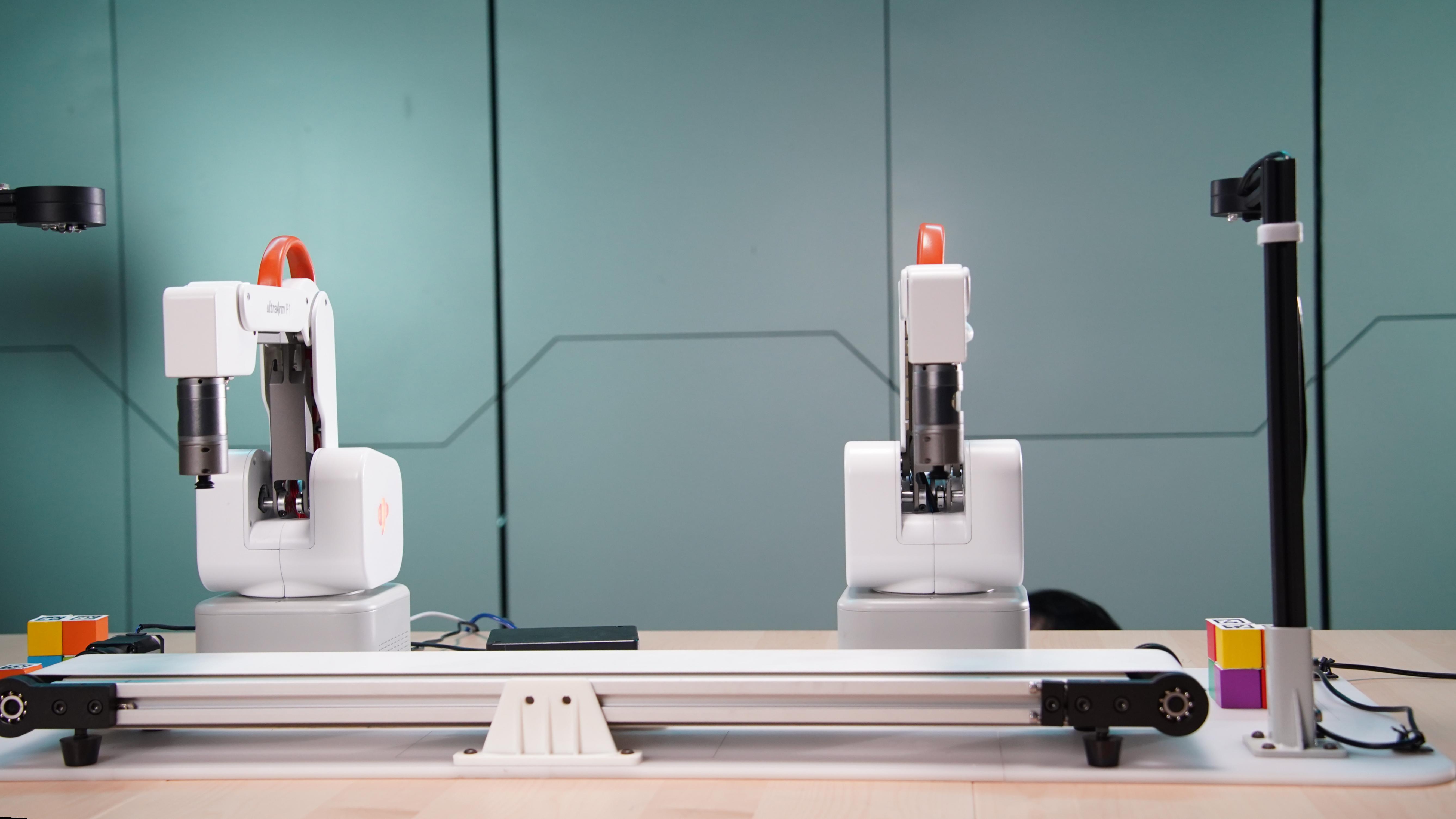
ultraArm P1 is extremely valuable in education and research, especially in Python and ROS (Robot Operating System), two widely used development environments. These environments provide strong support, enabling ultraArm P1 to be widely applied in machine learning, AI research, complex motion control, and visual processing tasks. Combined with flexible gripper, suction pump, pen holder, laser engraving head, and other accessories, you can fully unleash ultraArm P1's creative ideas.
| Python | Complete Python API library covering all control interfaces for joints, coordinates, IO, gripper, and suction pump. |
| C++ | Provides C++ dynamic library supporting coordinate control, angle control, IO control, gripper control, and other development options. |
| ROS1 / ROS2 | Dual version support with integrated RVIZ simulation environment, suitable for modular robot development. |
| myBlockly | Drag-and-drop graphical programming, zero coding barrier, ideal for teaching and rapid prototyping. |
| Communication Protocol | TCP Socket / RS485 / MODBUS RTU / Serial protocol package, suitable for industrial connectivity. |
| Hardware Interface | I2C / PWM / GPIO (3.3V) x 10 / UART, expandable with sensors and servo modules. |
| Cross-platform | Windows / Linux / macOS / iPad / Android / HarmonyOS. |
| myStudio Pro | A one-stop robot programming control software supporting visual programming interaction, quick motion control, drag teaching, robot status query and configuration, integrating myBlockly graphical programming module and scene applications. |