Calibration
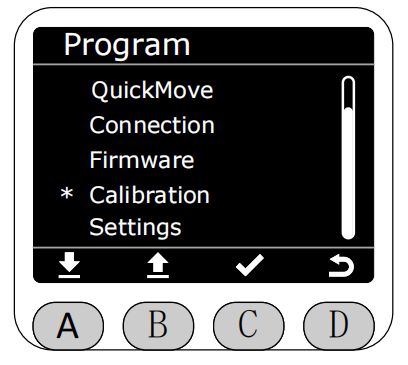
In the Program interface, select the Calibration function with the asterisk, then press button C to enter Calibration function.
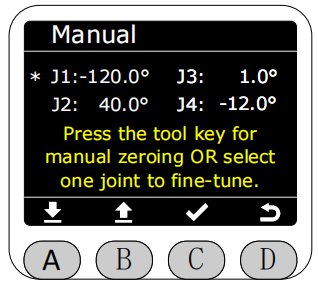
Select Manual to enter, use A and B keys to select the joint you want to calibrate or hold the end button to drag the joint.
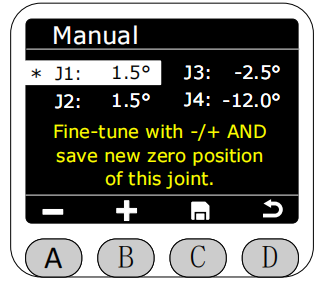
After selecting, the color of this area will be reversed and highlighted. Then you can use A and B keys to rotate the selected joint or hold the end button to drag the joint. Short press has a step angle of 0.1°. After moving to the zero position you want to calibrate, press button C to save. At this time, the corresponding joint will perform automatic calibration movement, and the angle data will directly become 0° after calibration is complete.