Resource Center
1 Interface Introduction
The homepage is as shown in the following picture:
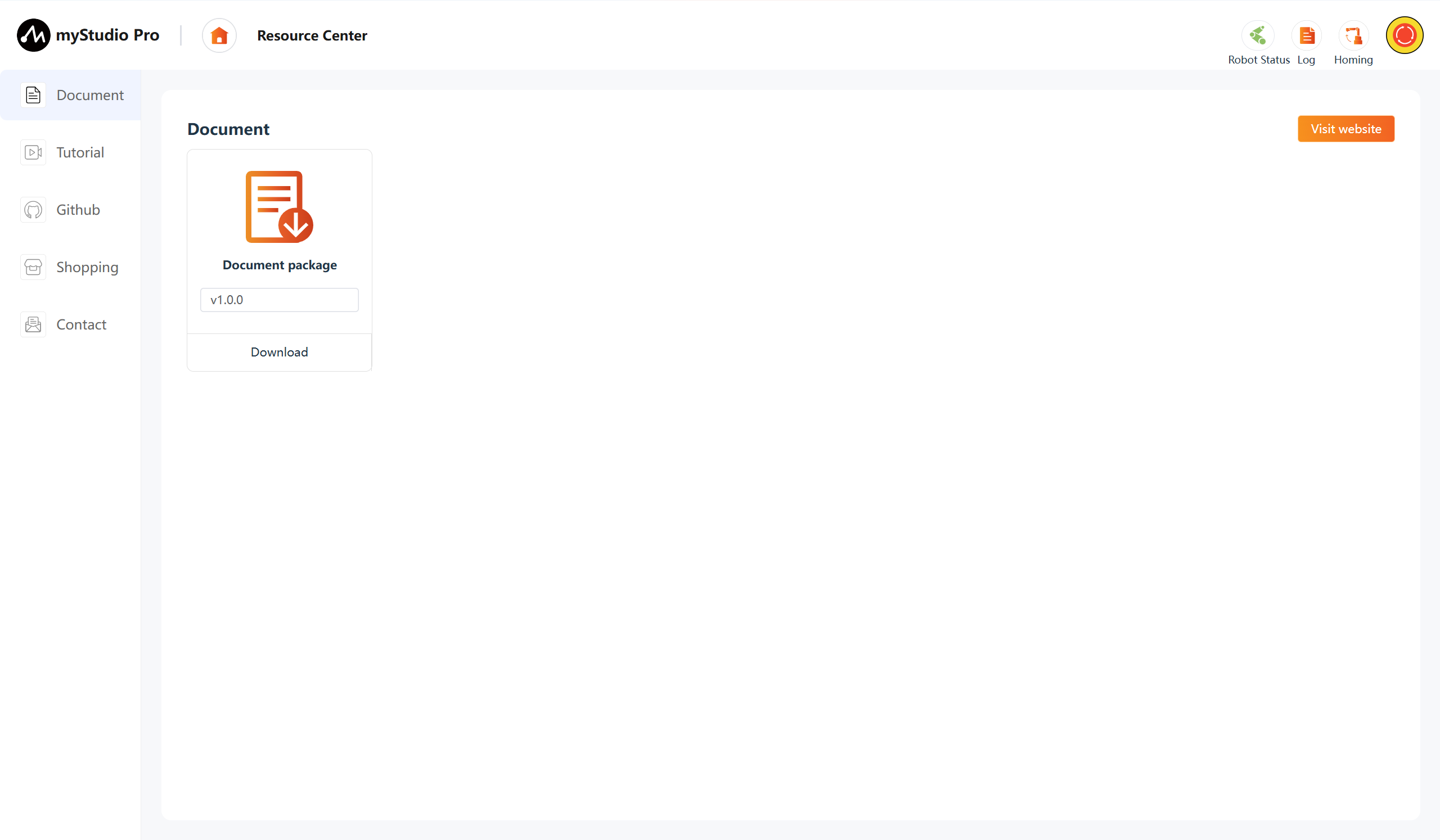
The Resource Center main interface provides five function entries: Document Manual, Video Tutorials, Github open-source resources, Online Store, and Contact Us. Users can quickly access product-related materials, video tutorials, and official open-source code from this page.
| No. | Description |
|---|---|
| 1 | Document Manual: View product user manuals and development guides |
| 2 | Video Tutorials: Watch product operation and programming tutorial videos |
| 3 | Github: Jump to the official Github or Gitee open-source repository |
| 4 | Online Store: Jump to the official Taobao or Shopify purchase page |
| 5 | Contact Us: Submit questions or suggestions, supports file attachments |
2 Document
Under writing
3 Tutorial
Under writing
4 Github
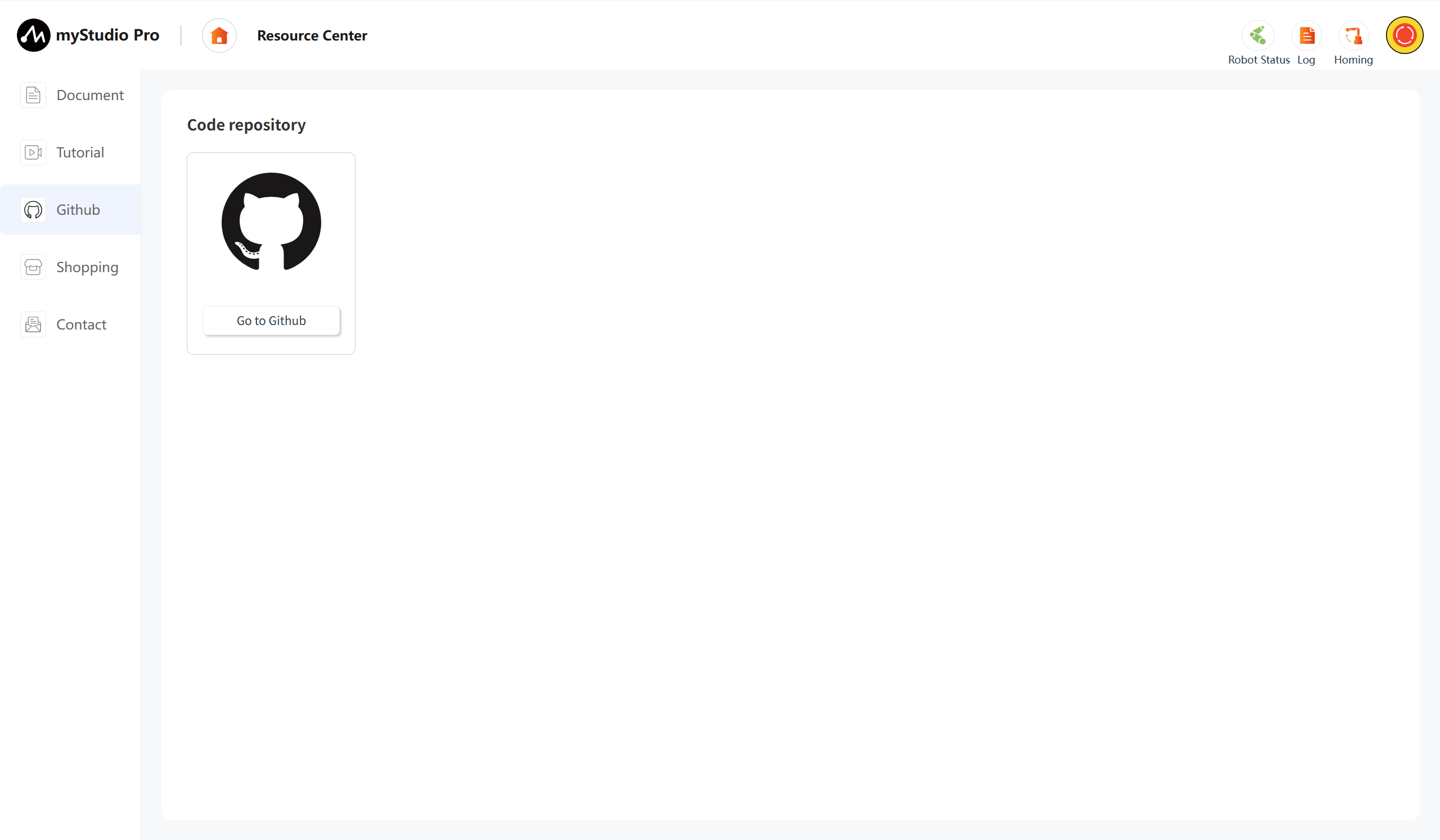
This function is a web page jump link. After clicking it, the official Github will be opened in the current browser.
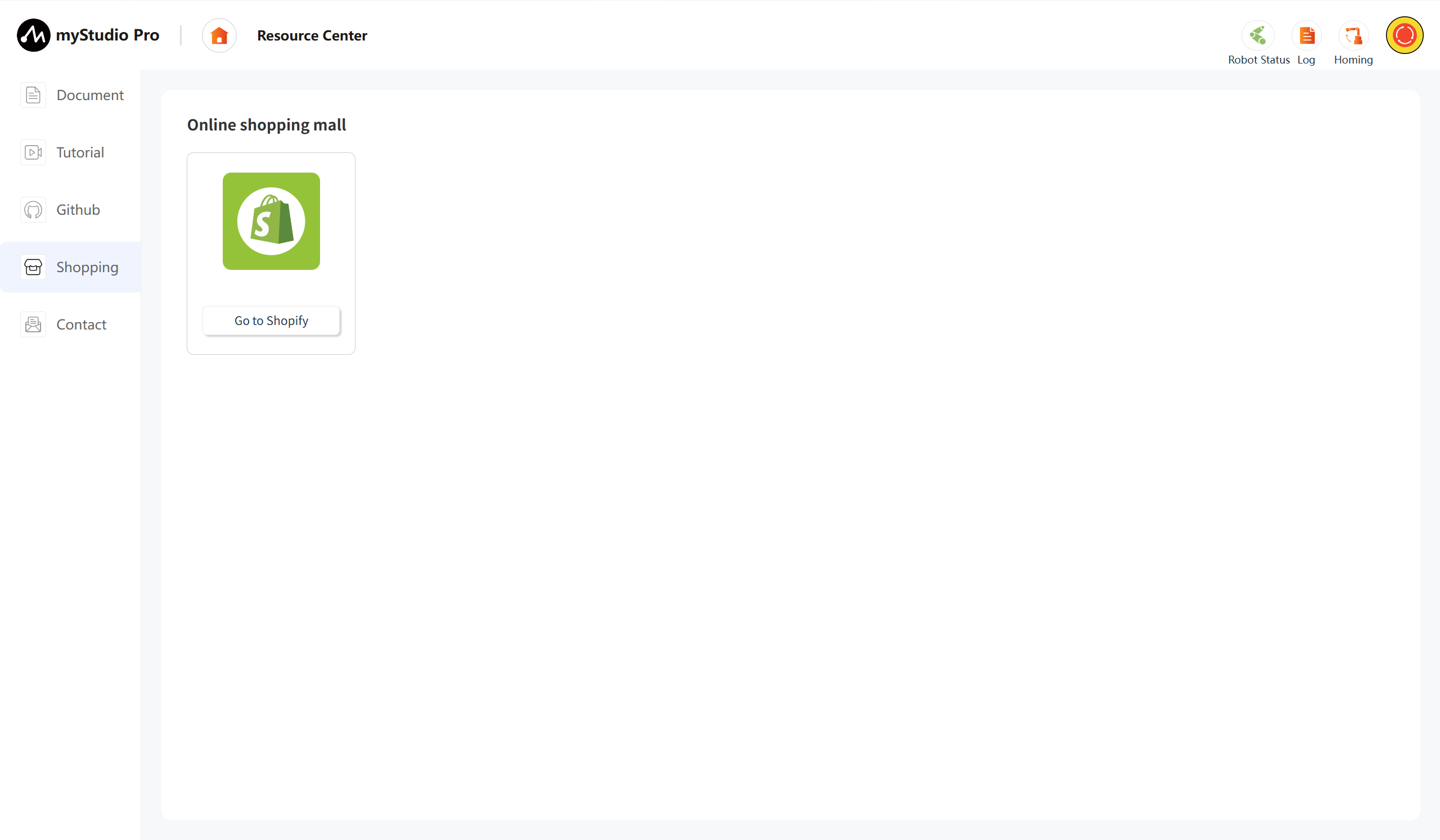
5 Shopping
This function is a web page jump link. After clicking it, the corresponding product's purchase interface will be opened in the current browser, and you can go to Shopify.
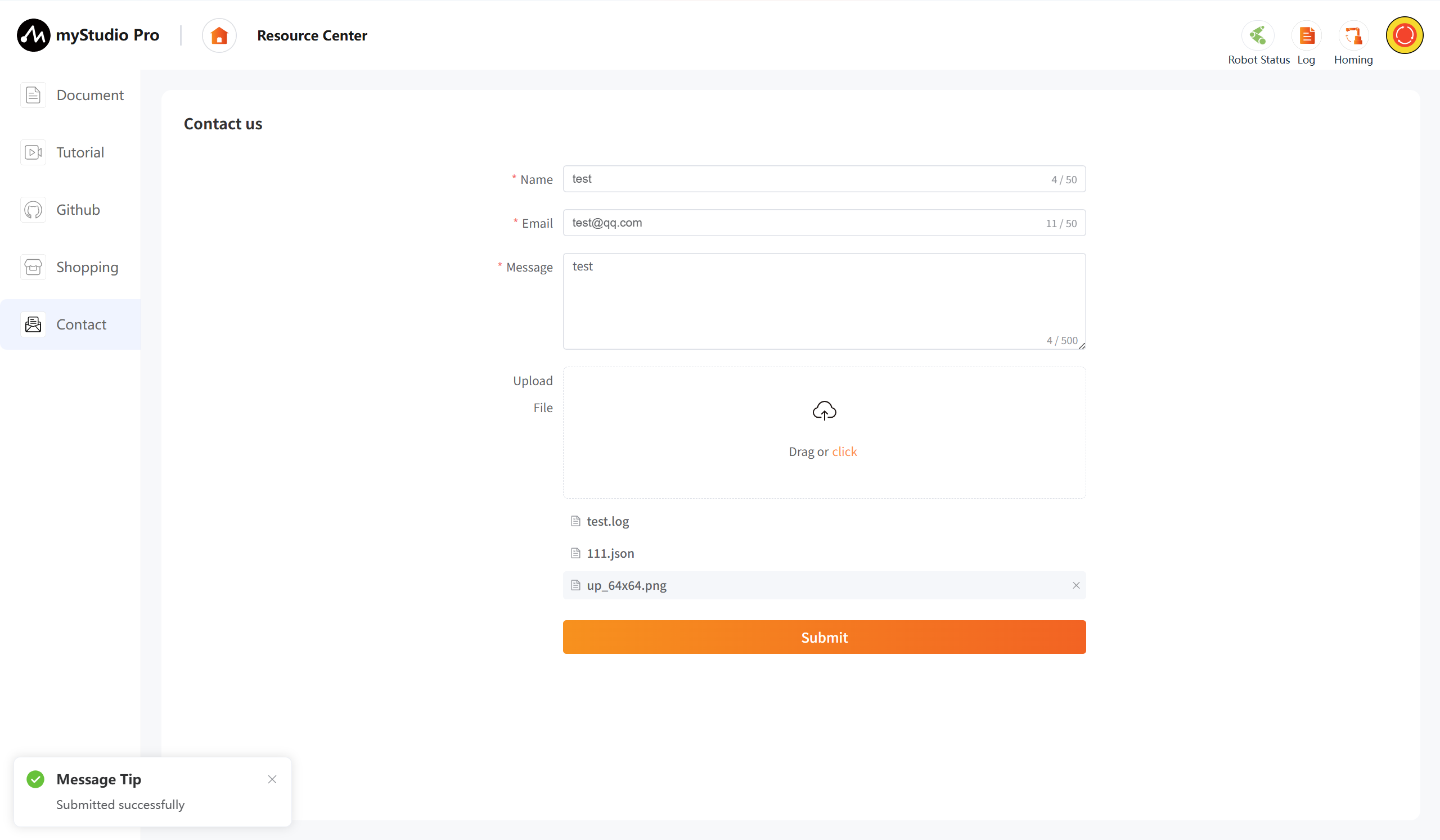
6 Contact
If you have any questions or ideas, you can contact us here.
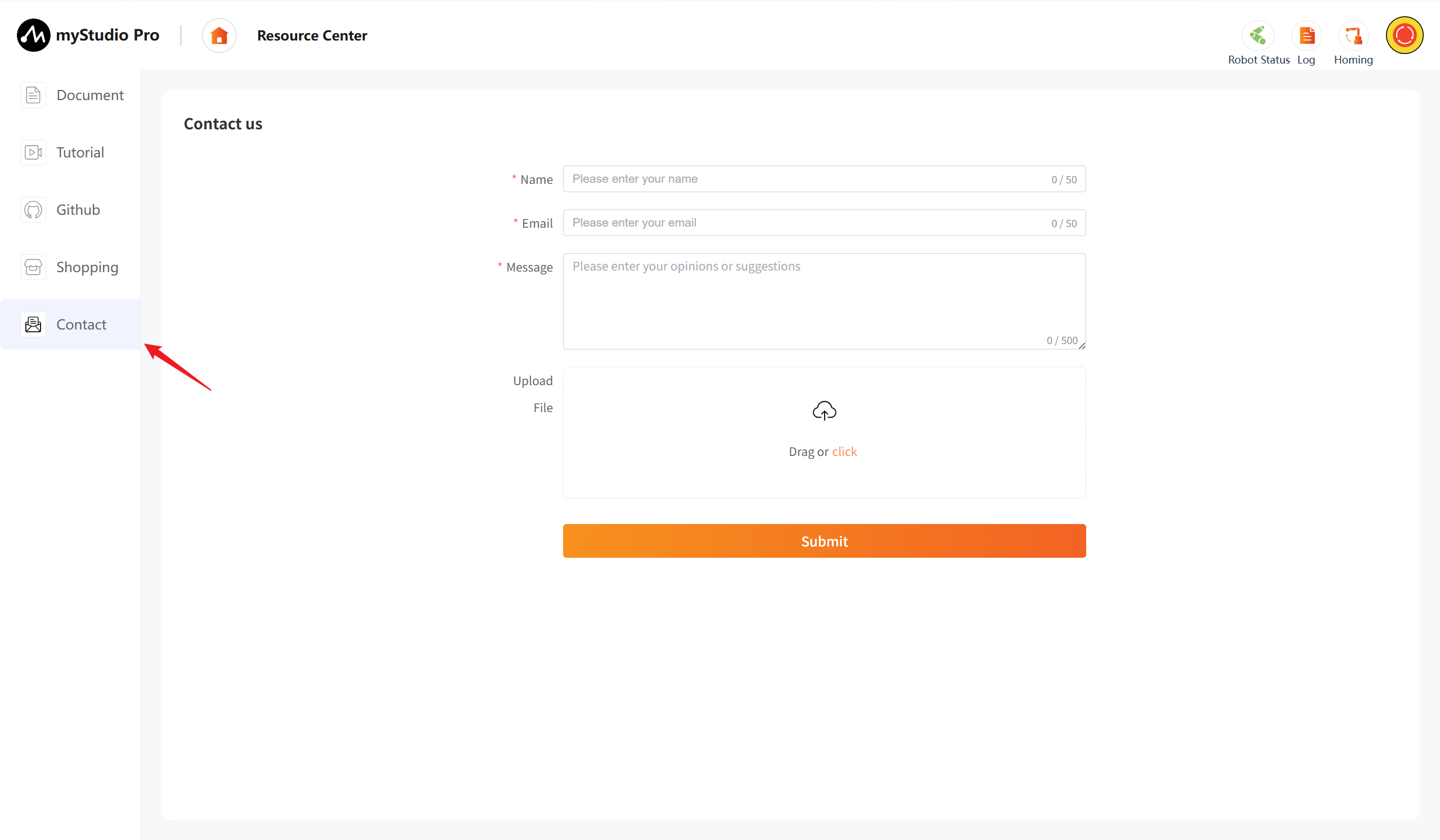
Function Introduction:
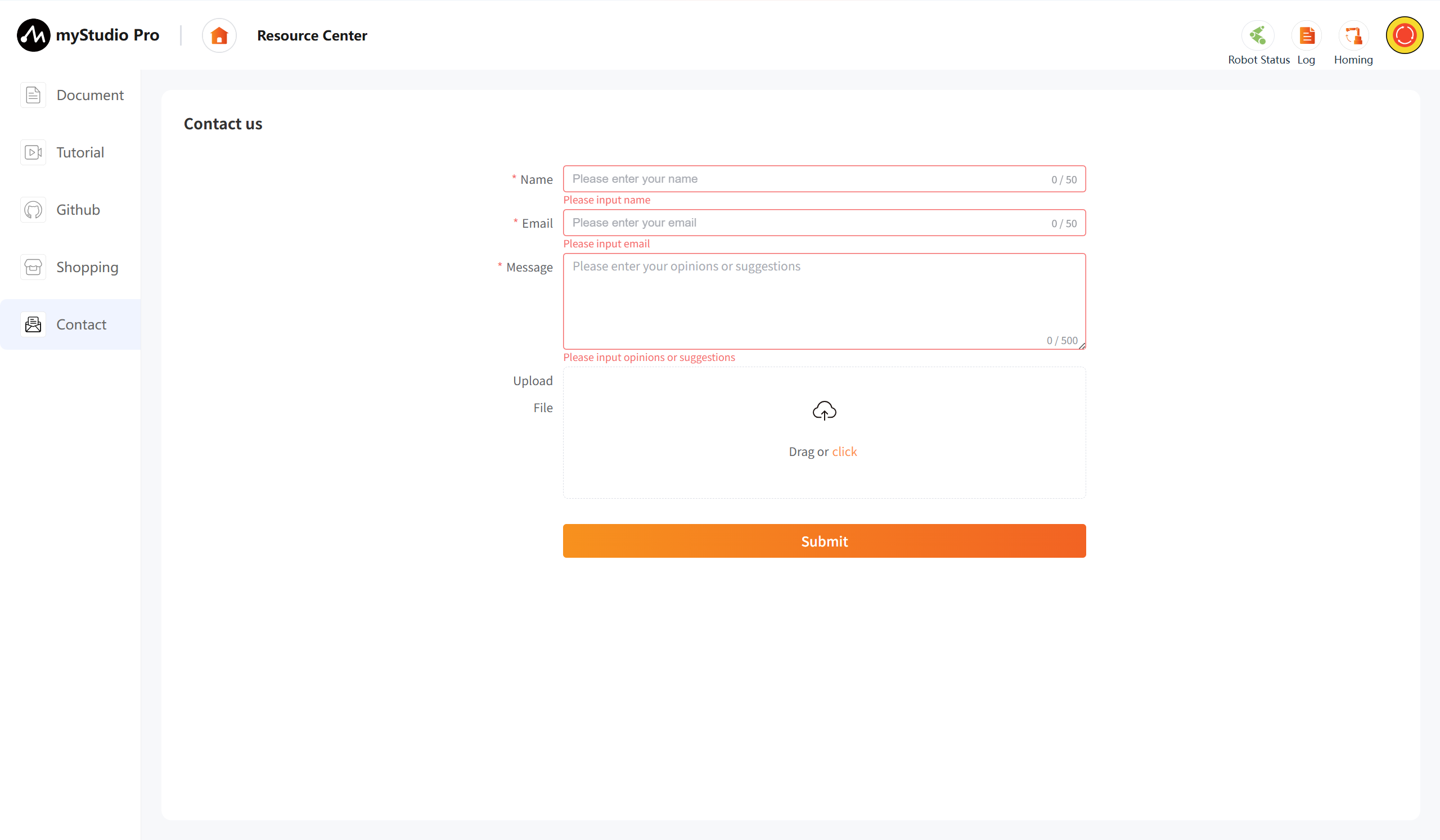
Name
You can enter your nickname here.
This is a required field. If you submit without filling it in, you will receive a message indicating that you are not there.
You can enter your email address here.
This is a required field. You can enter your email address here so that our staff can reply to you. If you submit without filling it in, you will receive a message indicating that you are not there.
Message
Enter your comments here.
This is a required field. Enter your questions or thoughts here. If you submit without filling it out, you will receive a prompt.
Upload
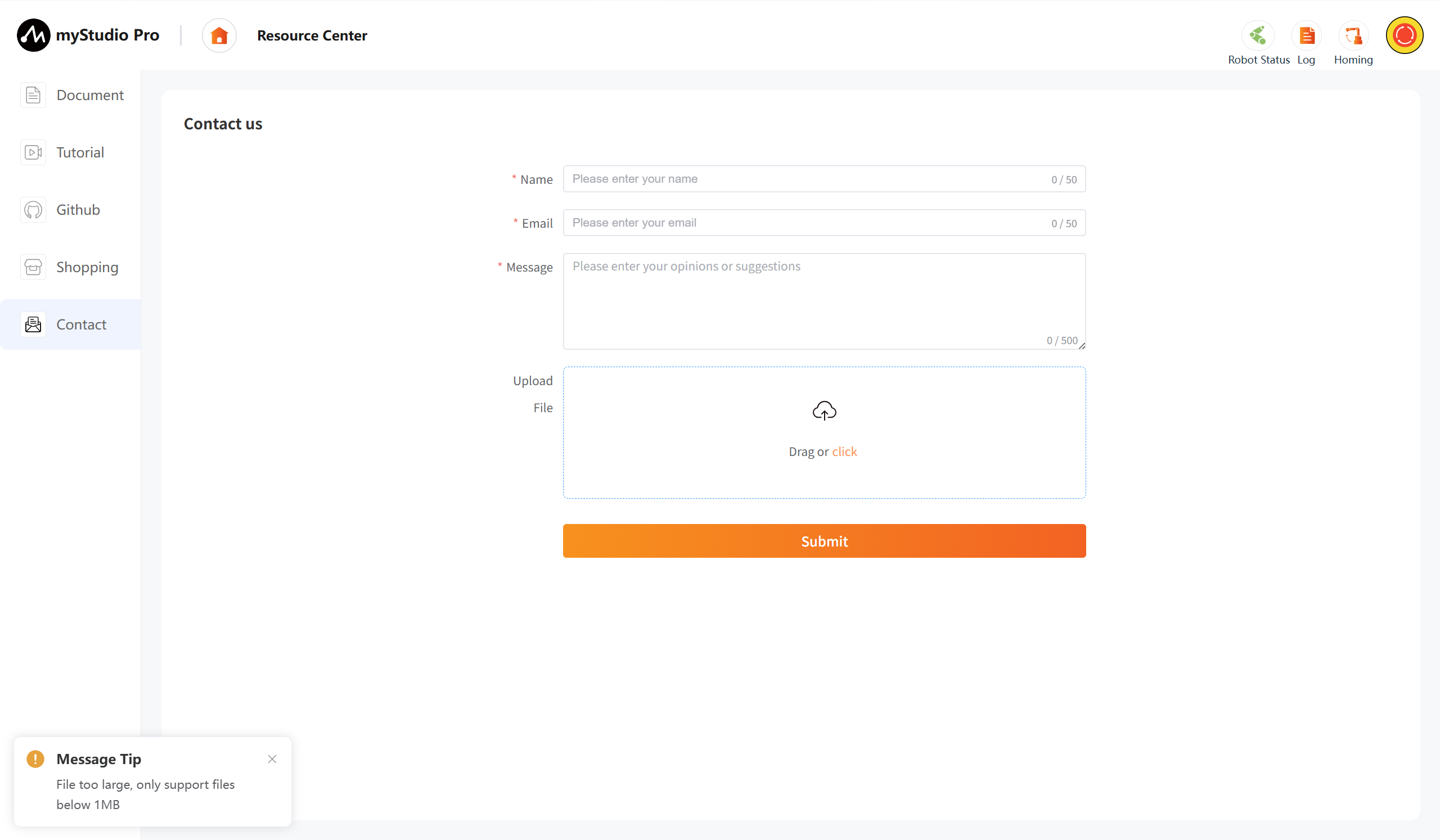
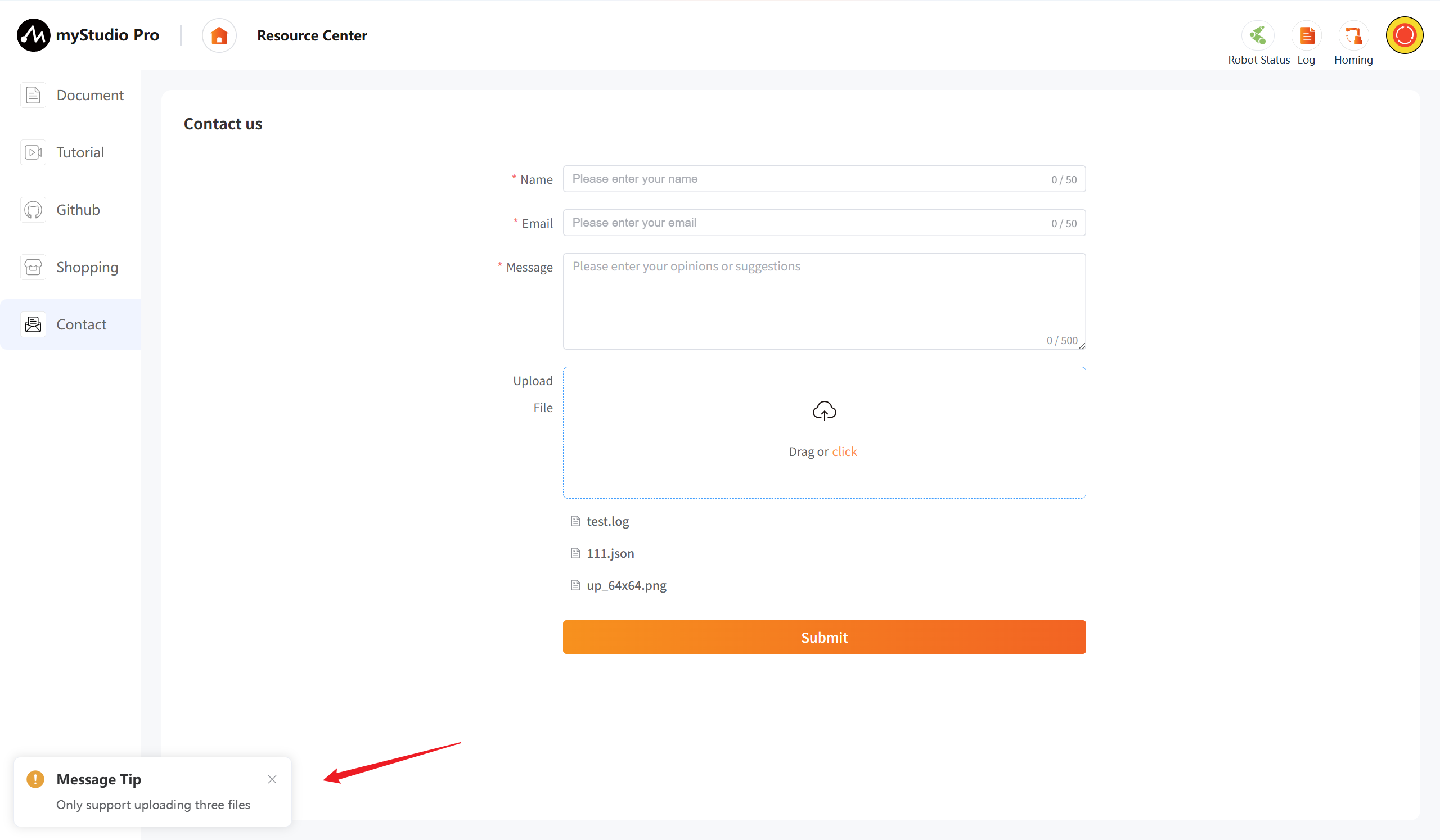
Click this button and the draggable area to upload files. You can upload a maximum of 3 files, and each file must not exceed 1M in size.
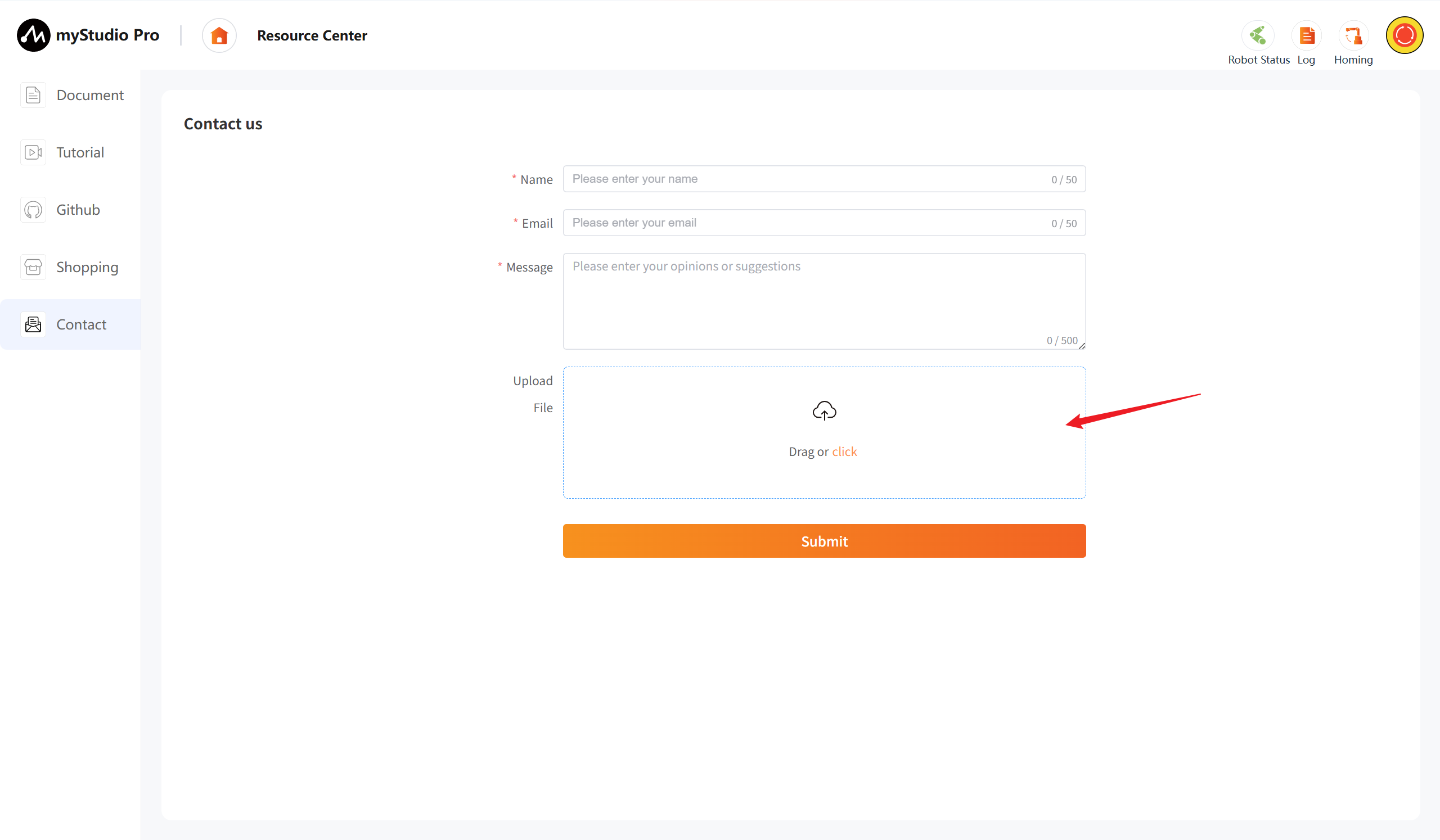
After clicking, a pop-up window will appear allowing you to select files.
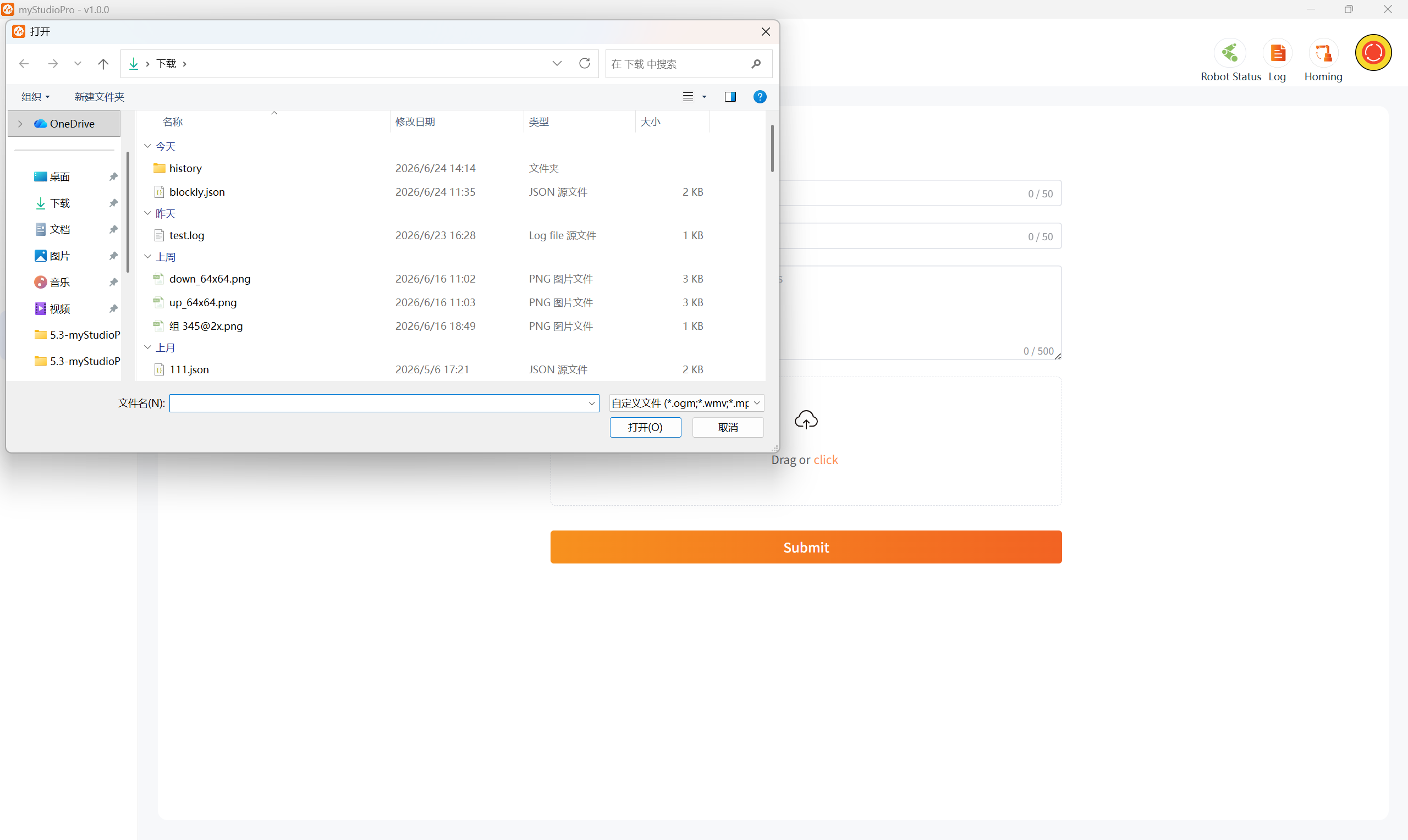
If the file you select exceeds 1MB, clicking "Open" will fail, and a pop-up window will warn you that the file is too large.
When you are uploading more than three files, a pop-up window will warn you.
Note: Only .log, .json, video, and image files are supported for uploading.
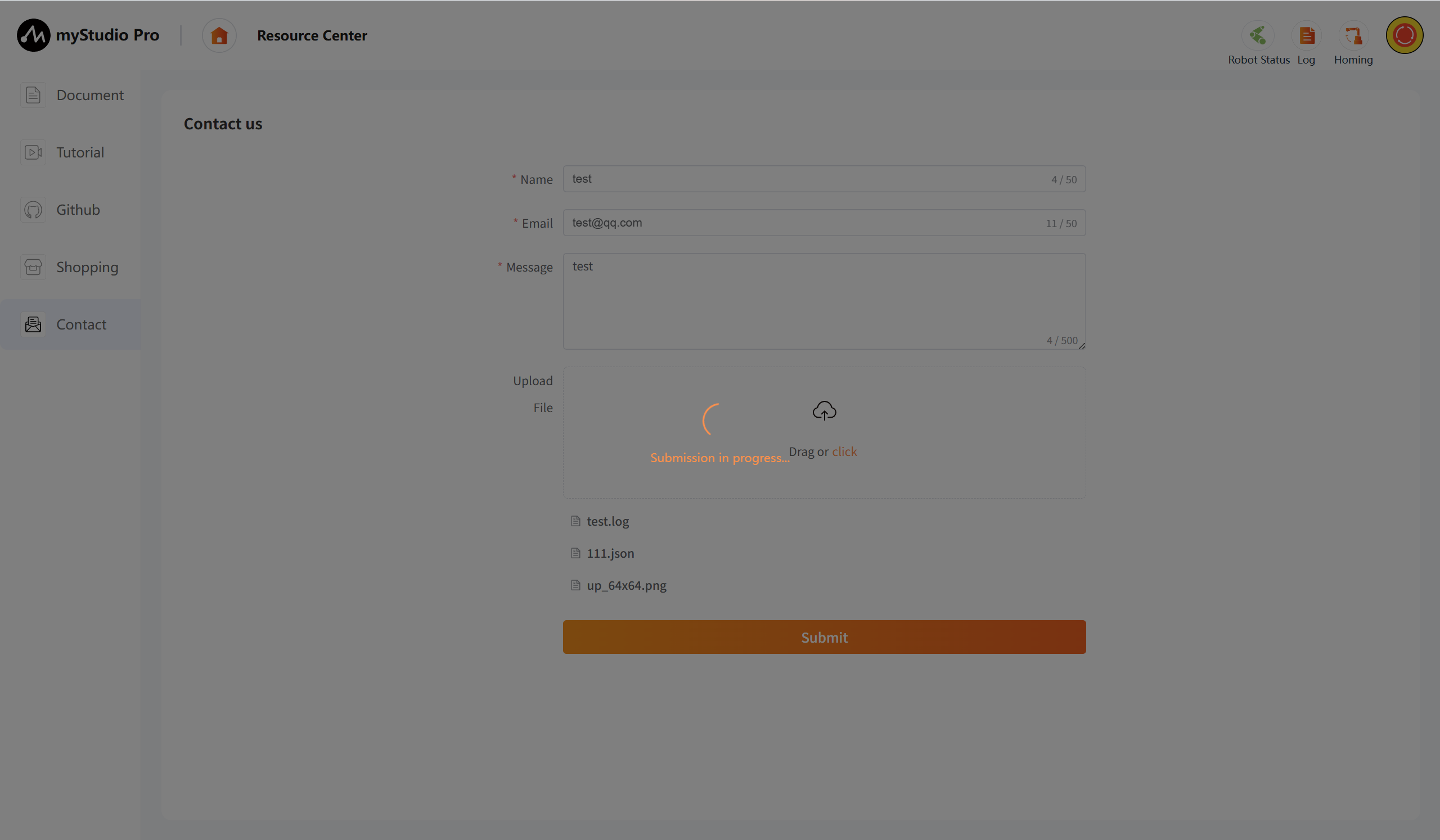
Submit
Click the
Submitbutton to submit all information. This step may take a long time, please be patient.